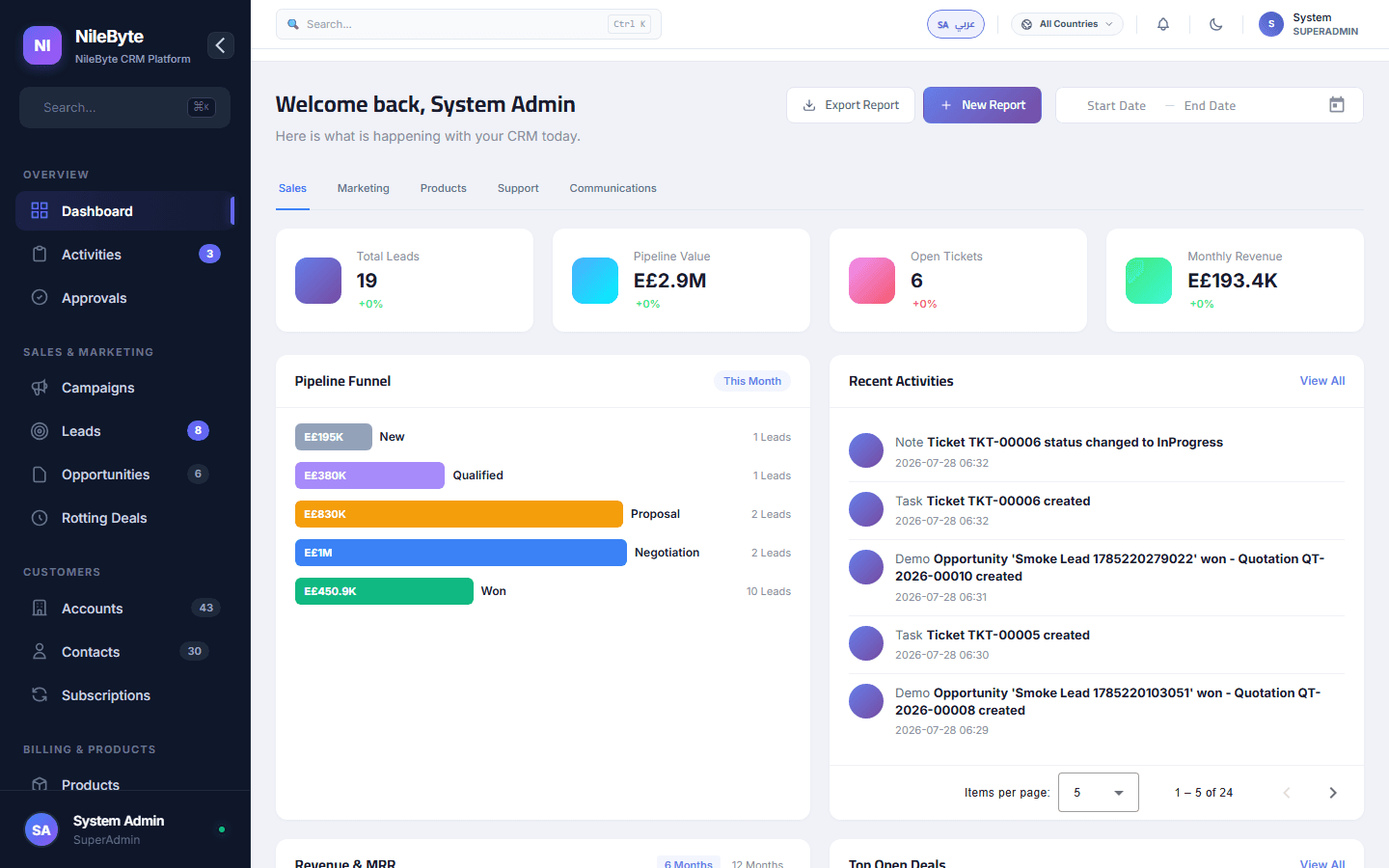
From Data Overload to One Screen
Managers do not need more reports — they need fewer, sharper ones. A dashboard is a screen that answers "how are we doing?" before you even ask.
Dashboards in NileByte CRM
The Sales Dashboard
- Pipeline value and stage distribution
- Forecast vs. target for the period
- New leads, conversions, and win rate
- Top deals and top reps
The Support Dashboard
- Open tickets by priority
- SLA health — response and resolution
- Backlog per agent
- Satisfaction trend
The Executive Dashboard
The big picture in one view: revenue, cash collected, outstanding balances, new customers, and churn risk:
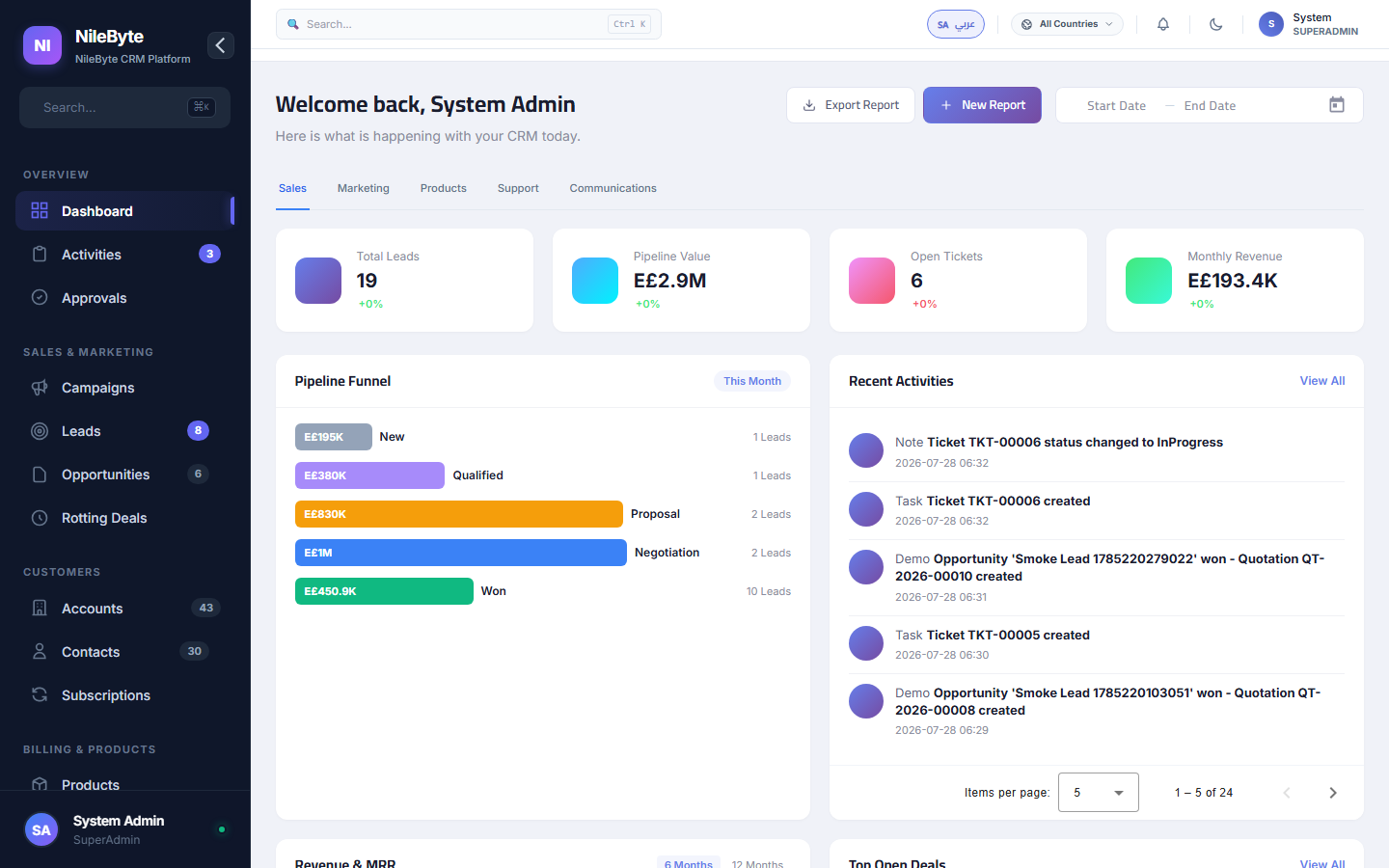
Real-Time, Always
Dashboards refresh with every action — a closed deal moves the numbers before the coffee is finished. No end-of-day batch, no stale numbers.
Role-Based by Design
Each role sees its own lens: reps see their own pipeline, managers see the team, leadership sees the company. Same system, right view for everyone.
From Dashboard to Decision
Spot the decline in one KPI, drill to the cause, assign the fix — all in one session. Dashboards in NileByte CRM are not decoration; they are the start of every good decision.
Author at NileByte — sharing insights on software and digital transformation.
Related Articles
Cloud or On-Premise: Choose What Fits Your Business
NileByte CRM offers cloud and on-premise deployment — the same full system, with options for every business.
Why Businesses Choose NileByte CRM: The Numbers Speak
Faster follow-ups, complete customer history, accurate forecasts, and real reporting — the reasons companies pick NileByte CRM.
CRM Implementation Guide: A Proven Path to Success
A practical plan for implementing NileByte CRM: data migration, team setup, training, and launch — in weeks, not months.