Where Does the Money Go?
For most companies, expenses are the least controlled part of the budget. Receipts disappear, approvals are informal, and by the end of the year nobody can explain the spending. NileByte ERP brings structure and discipline to every expense.
The Expense Journey
1. Submit
Employees submit expense reports with line items, receipts attached, and the cost center they belong to. Submission takes minutes, not paper forms.
2. Approve
Managers review and approve expenses with a single click — or reject with a comment. Approval limits can route large amounts to higher authorities automatically.
3. Pay
Approved expenses flow into payment batches or payroll reimbursement, depending on your policy. Every payment is tracked.
4. Post
The expense posts automatically to the correct general ledger accounts and cost centers — no re-keying, no month-end cleanup.
Expense Policies That Enforce Themselves
- Per-category limits (travel, meals, entertainment)
- Automatic flagging of out-of-policy claims
- Corporate card tracking, linked to card statements
Visibility for Management
Dashboards show spending by category, department, and employee — against budget, in real time. Expense culture changes quickly when everyone knows the numbers are visible.
With NileByte ERP, expenses stop being a mystery and become a managed process.
Author at NileByte — sharing insights on software and digital transformation.
Related Articles
Inventory Control: Never Run Out of Stock Again
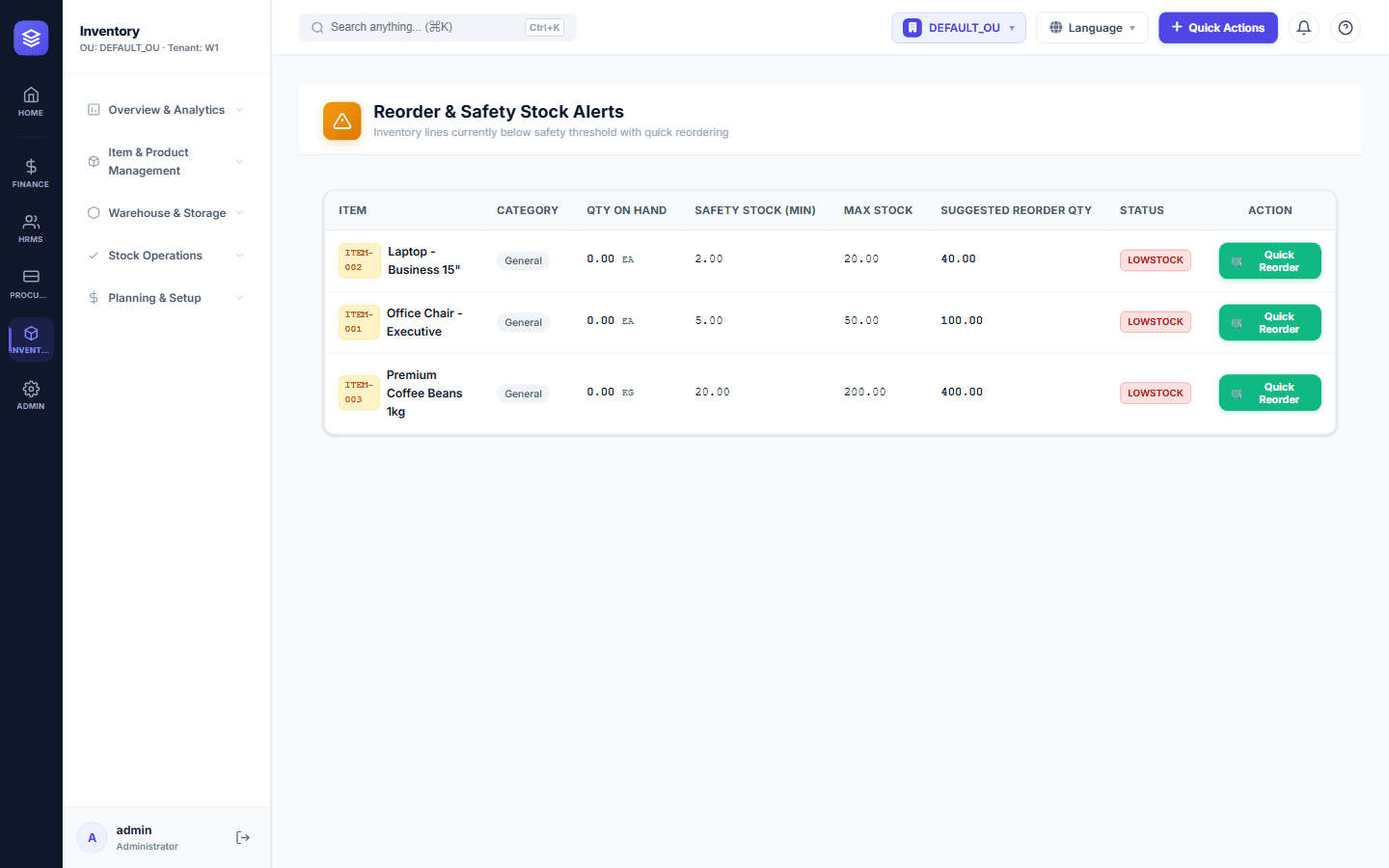
NileByte ERP's inventory module gives you complete control over stock — from receiving to issuance — with real-time balances and cost tracking.
Cloud-Ready and On-Premise: Deploy Your Way
Run NileByte ERP in the cloud, on your own servers, or hybrid — your data, your rules, your deployment.
Why Businesses Choose NileByte ERP
From family businesses to growing groups, here is why companies across Egypt and the region choose NileByte ERP.