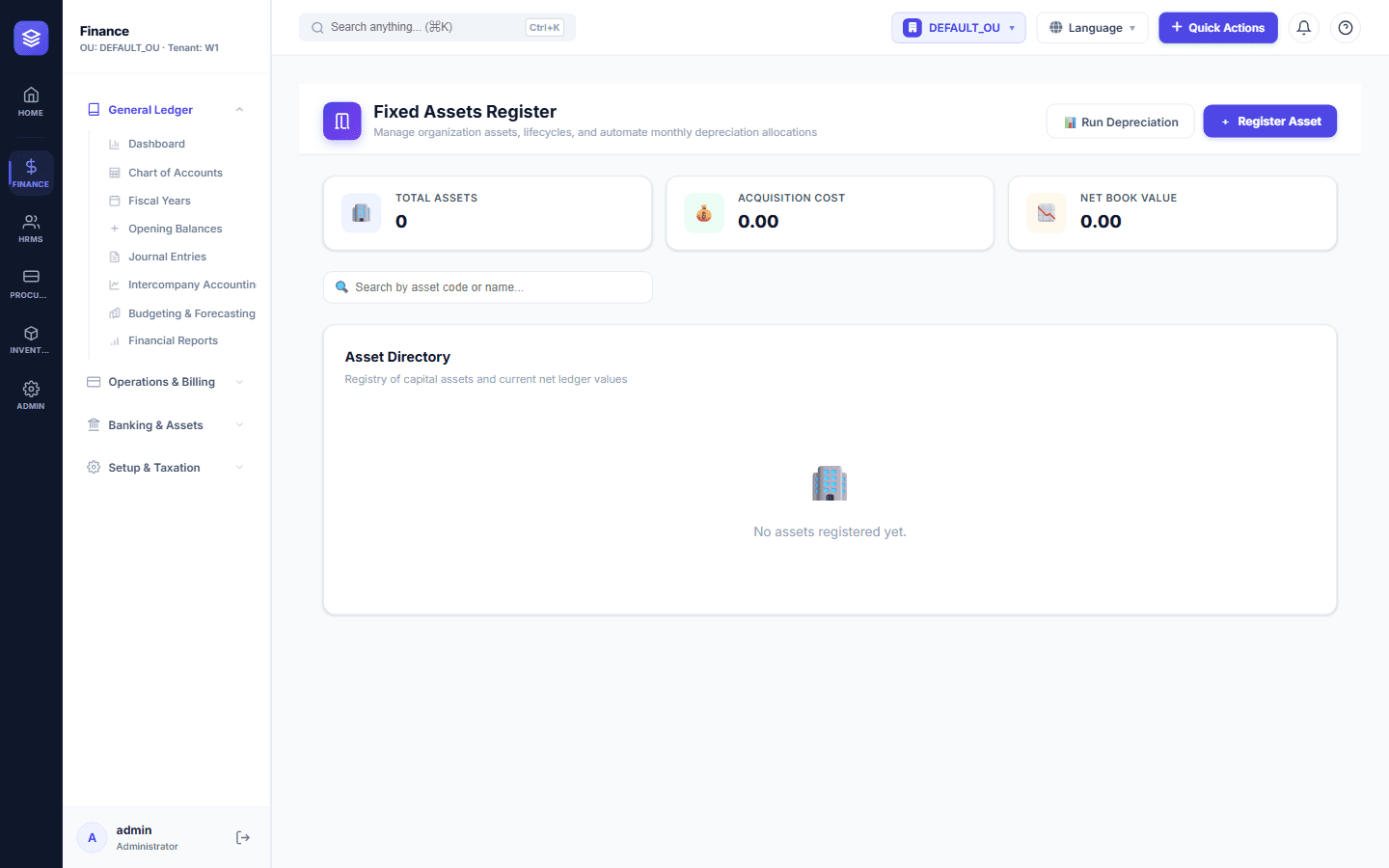
Fixed Assets Management: From Acquisition to Depreciation
Your Assets Are Worth Managing
Equipment, vehicles, furniture, buildings, and machinery represent a significant share of most companies' value. Without proper tracking, assets disappear from the books, depreciation is calculated wrong, and tax filings are at risk.
The Asset Lifecycle in NileByte ERP
1. Acquisition
Record the asset with all details: category, location, cost, supplier, purchase date, and useful life. Assets can be acquired directly or generated automatically from procurement and receiving documents.
2. Depreciation
NileByte ERP calculates depreciation automatically using your chosen method:
- Straight-line over the asset's useful life
- Reducing balance for accelerated depreciation
- Custom schedules for assets with irregular patterns
Monthly depreciation entries are generated and posted to the general ledger automatically.
3. Tracking and Maintenance
Each asset has a register card with:
- Asset number, barcode/QR, and location
- Assigned employee or department
- Maintenance and repair history
- Insurance and warranty details
4. Disposal and Transfers
When an asset is sold, scrapped, or transferred between branches, NileByte ERP records the event, calculates any gain or loss, and posts the accounting entries automatically.
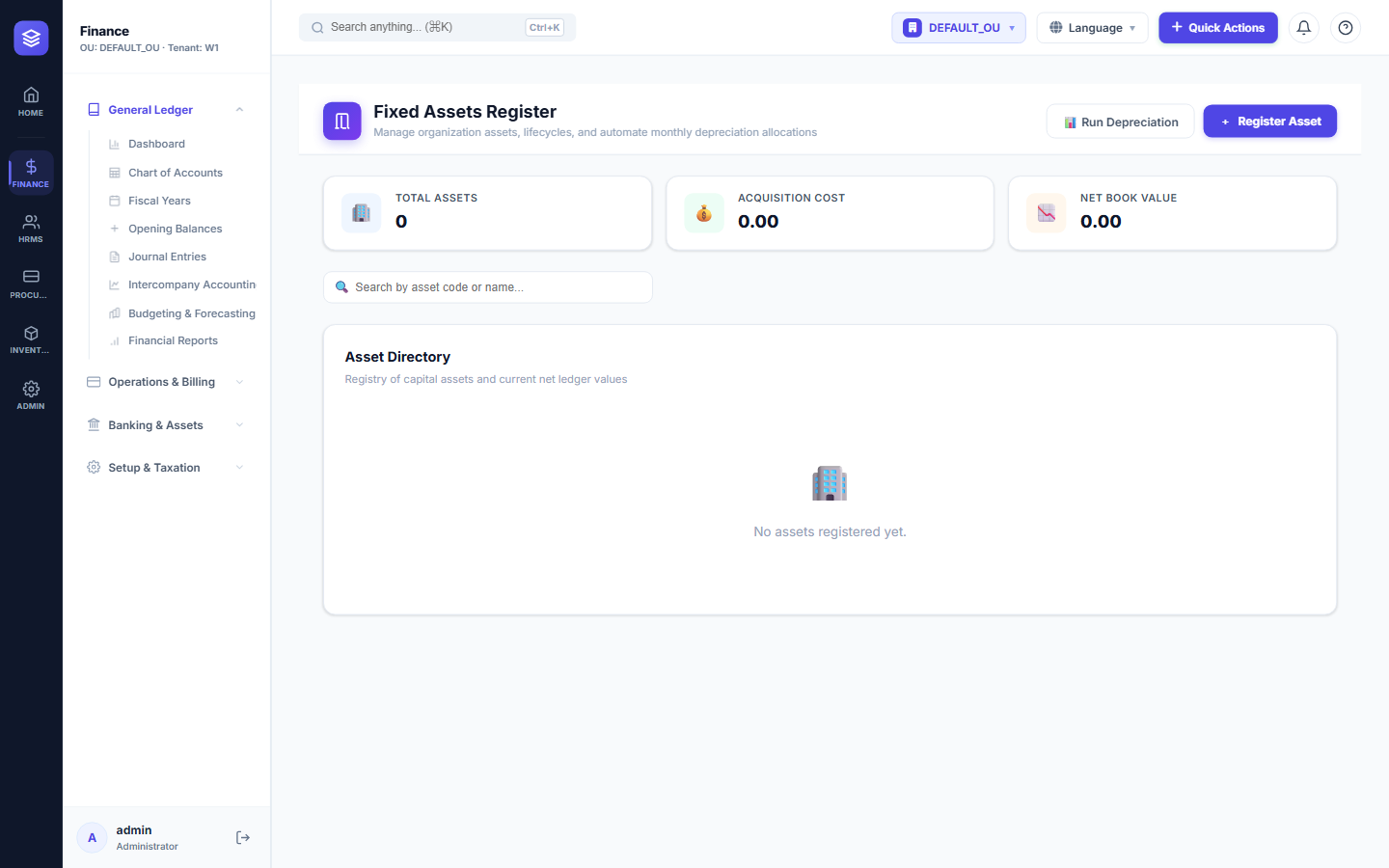
Reports You Can Rely On
- Asset register and asset cards
- Depreciation schedules and projected depreciation
- Assets by location, category, or custodian
- Disposal and gain/loss summaries
With NileByte ERP, every asset is accounted for — from the day it arrives to the day it leaves.
Author at NileByte — sharing insights on software and digital transformation.
Related Articles
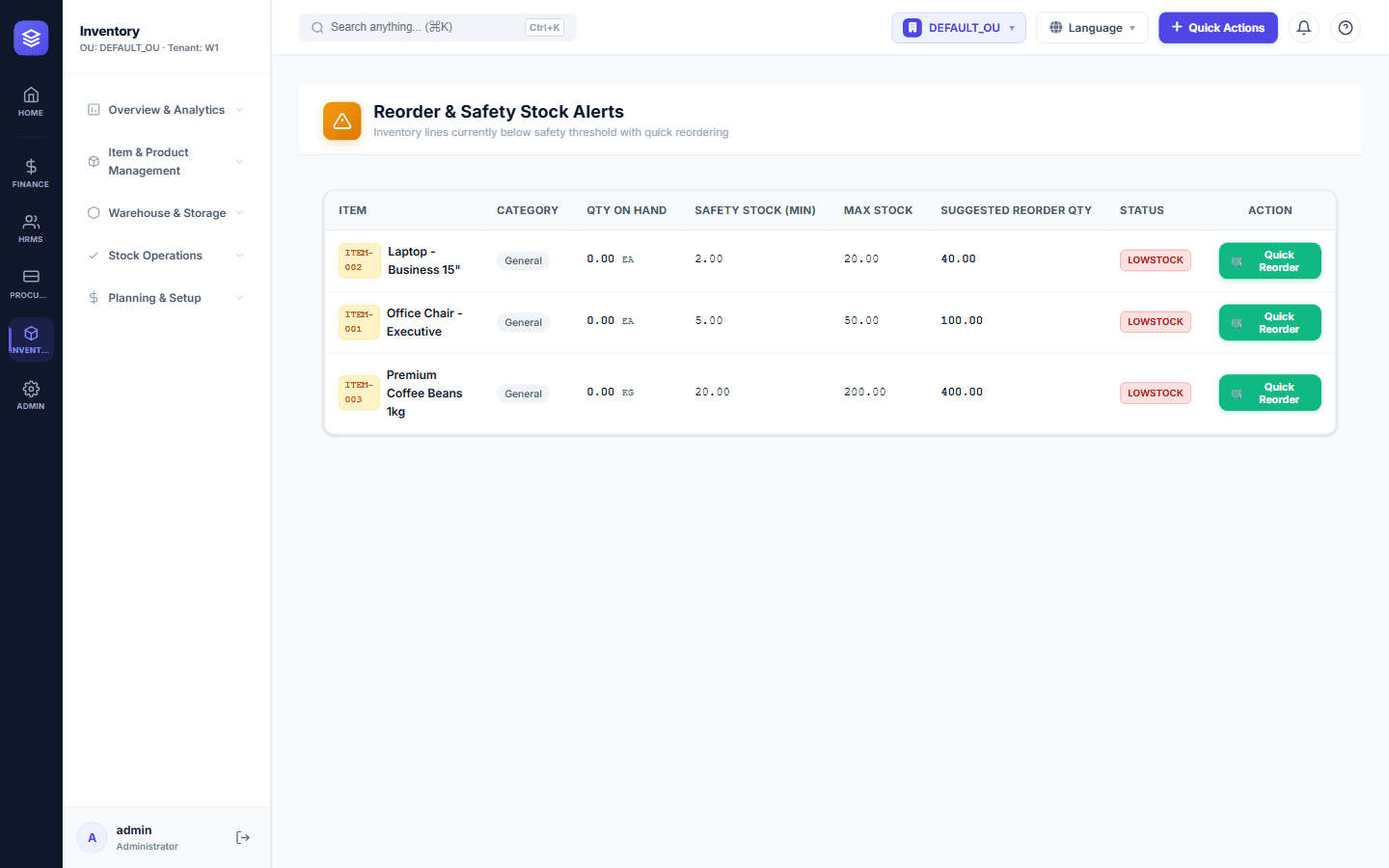
Inventory Control: Never Run Out of Stock Again
NileByte ERP's inventory module gives you complete control over stock — from receiving to issuance — with real-time balances and cost tracking.
Cloud-Ready and On-Premise: Deploy Your Way
Run NileByte ERP in the cloud, on your own servers, or hybrid — your data, your rules, your deployment.
Why Businesses Choose NileByte ERP
From family businesses to growing groups, here is why companies across Egypt and the region choose NileByte ERP.