LMS Implementation Guide: From Paper to Platform, Smoothly
Implementation Must Respect the School Calendar
Schools cannot pause teaching for a software project. The right implementation plan fits around the school year — moving in phases that protect classes, exams, and fee collection.
Phase 1: Understand the School
- Map the school's structure — stages, grades, classes, sections
- Identify the team: principal, registrar, accountant, IT lead
- Define what success looks like by the end of the term
Phase 2: Data Migration
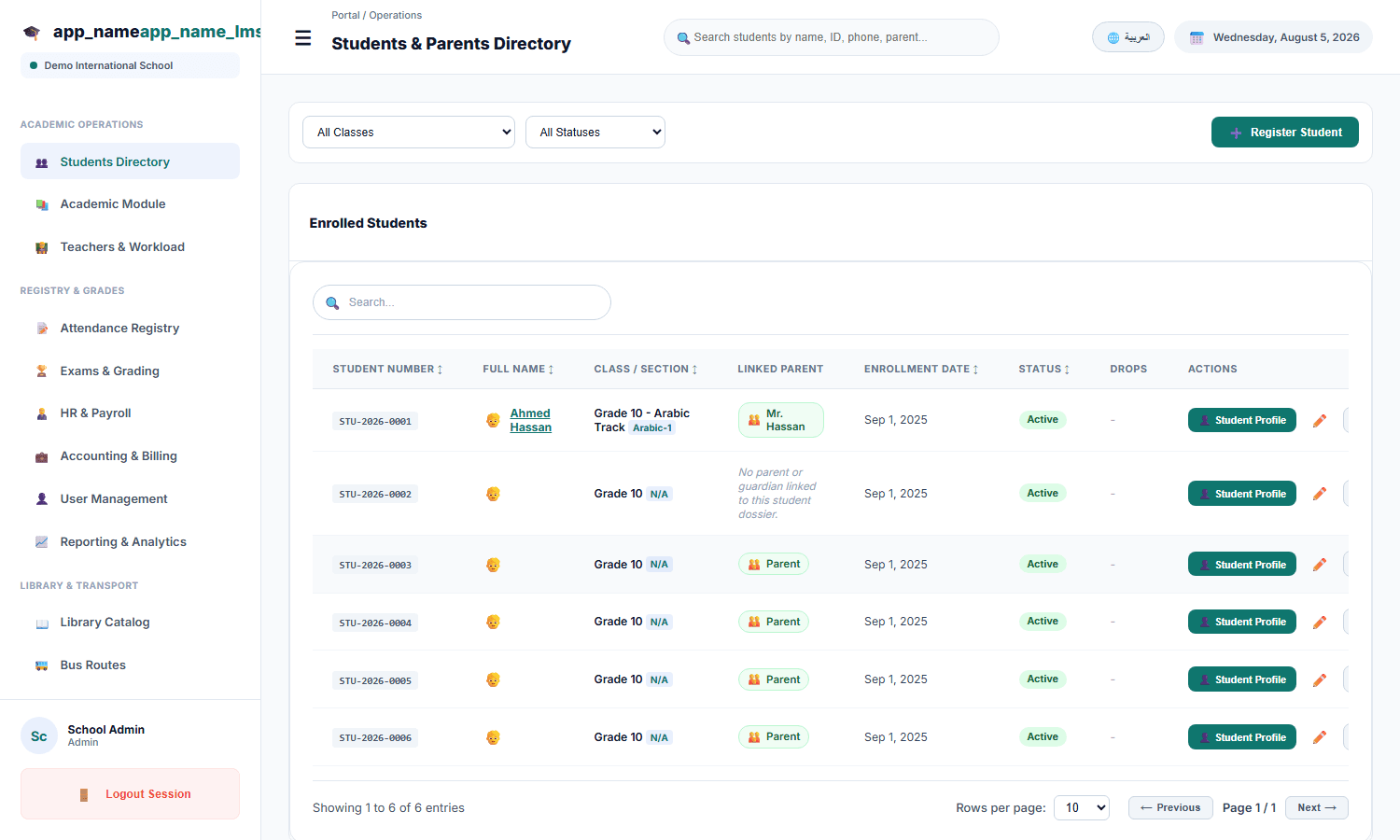
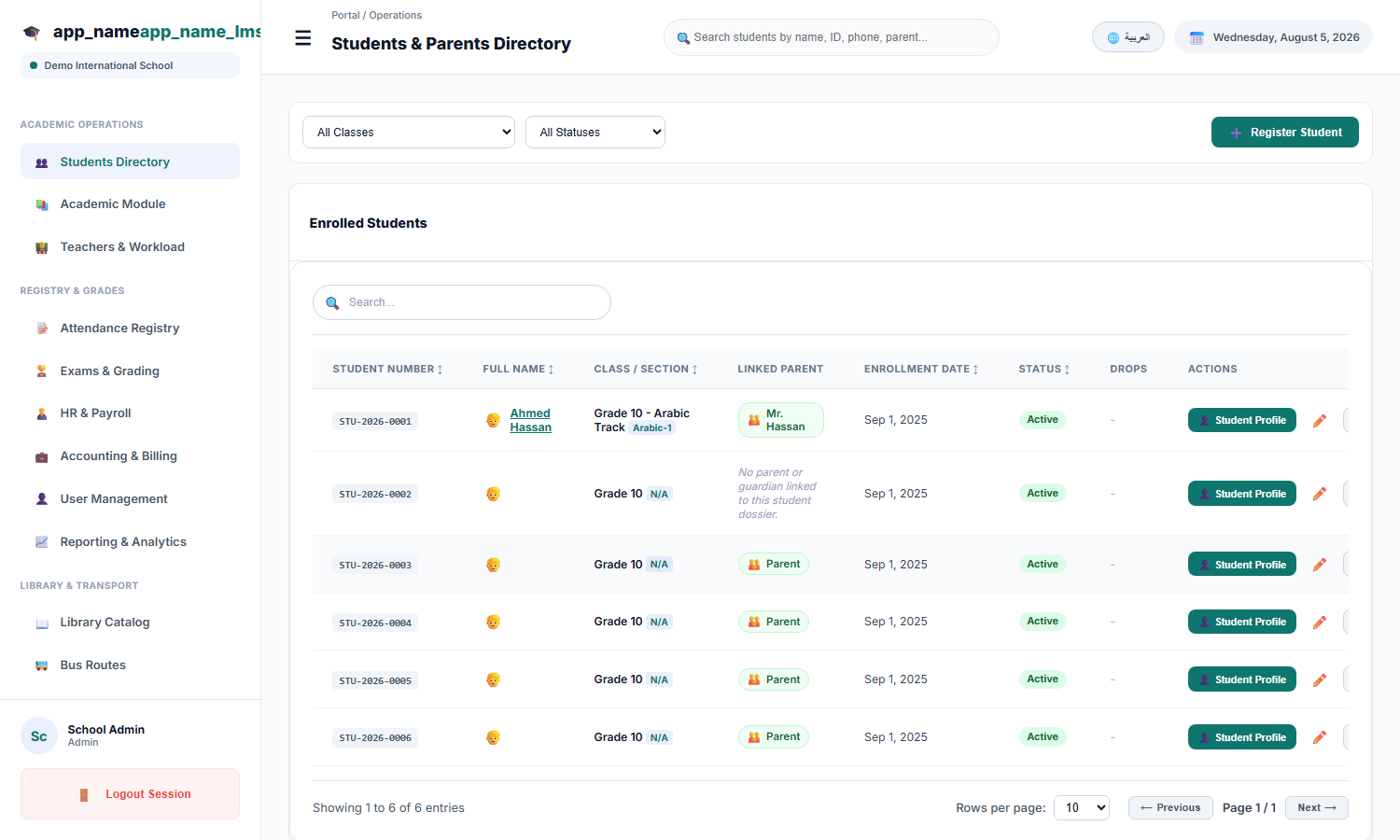
Student records, staff records, academic structure, and fee balances move from paper and spreadsheets into the system — cleaned, deduplicated, and structured:
Phase 3: Configuration
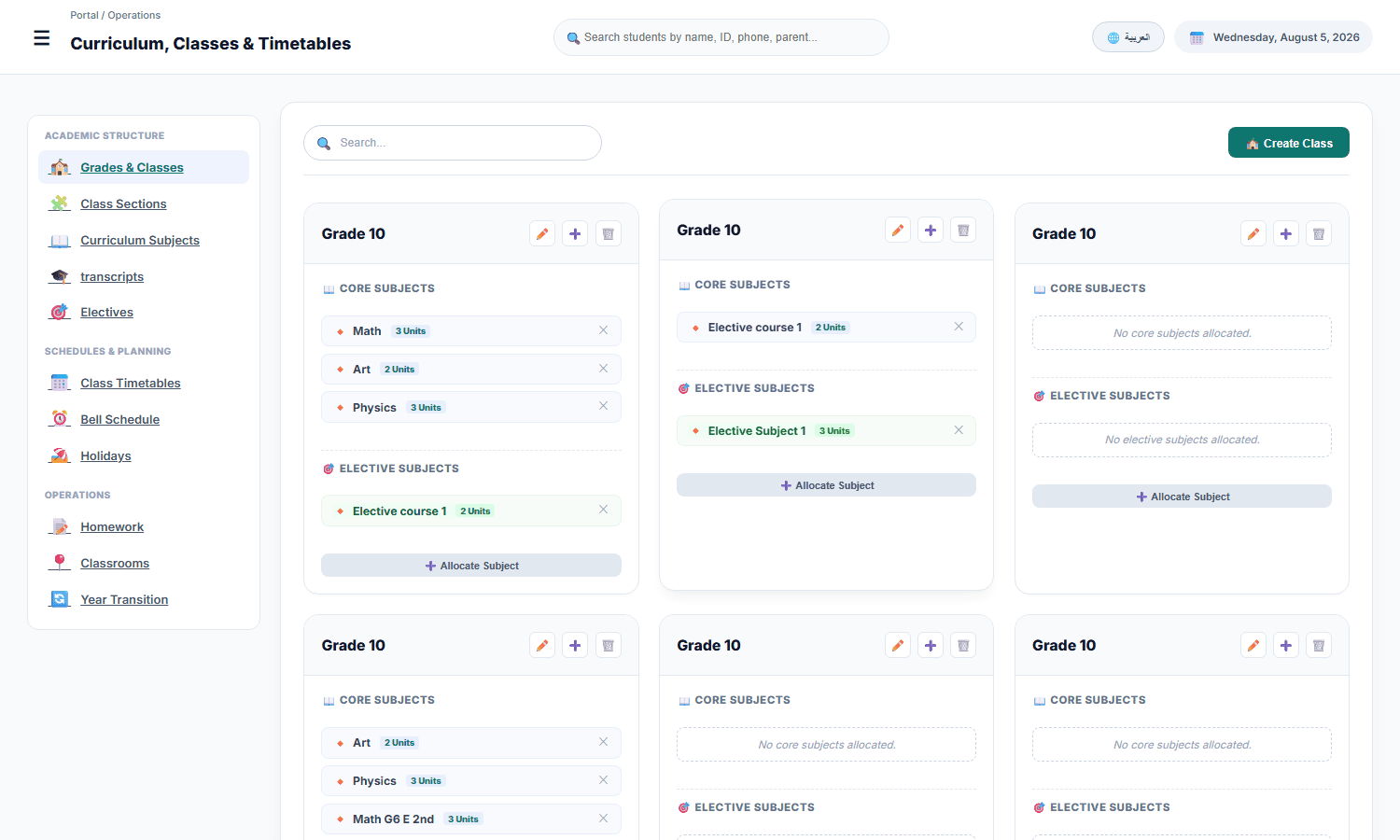
- Academic calendar and timetable structure
- Subjects, grading rules, and report formats
- Fee structures, instalments, and discounts
- Roles and permissions for all users
Phase 4: Training by Role
Practical training with real data: the registrar on students and records, teachers on attendance and grades, the accountant on fees and reports, principals on dashboards.
Phase 5: Launch in Phases
- Start with the modules that relieve the most pressure — often attendance and student records
- Roll out exams and fees at the right moment in the term
- Run the system alongside old records during transition
Phase 6: Support and Refine
After launch: responsive support, termly reviews, and adjustments as the school grows. The school year never stops — and neither does our support.
With this path, NileByte LMS becomes part of school life — adopted, used, and delivering — within one term.
Author at NileByte — sharing insights on software and digital transformation.
Related Articles
Cloud or On-Premise: School Data, Your Choice
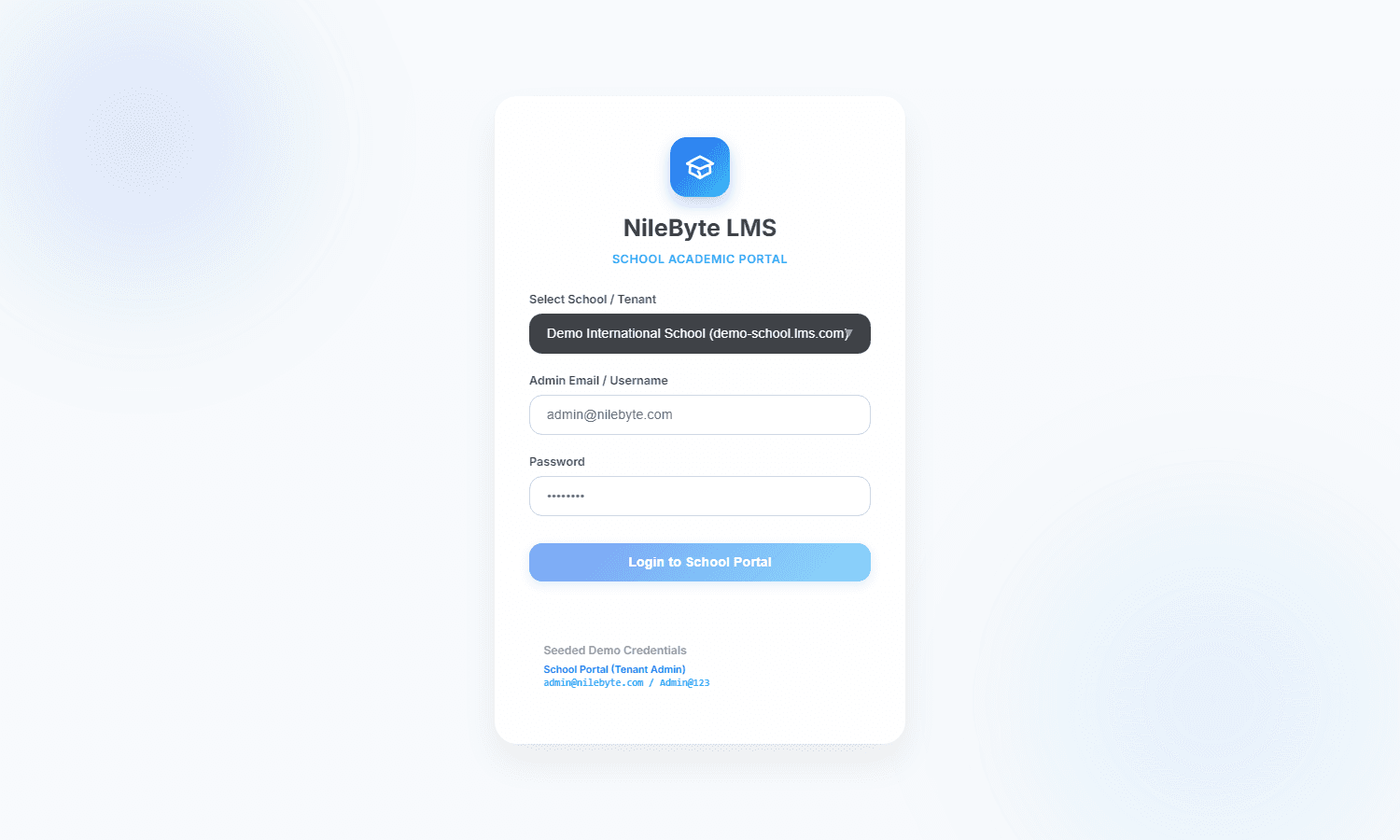
NileByte LMS offers cloud and on-premise deployment — the same full platform, with options for every school or group.
Why Schools Choose NileByte LMS: The Reasons Are Measurable
Time saved, transparency gained, and education improved — the real reasons schools choose NileByte LMS.
Electives and Extracurricular Activities: Beyond the Core Curriculum
Manage elective subjects, activities, and clubs — with enrollment and tracking in NileByte LMS.