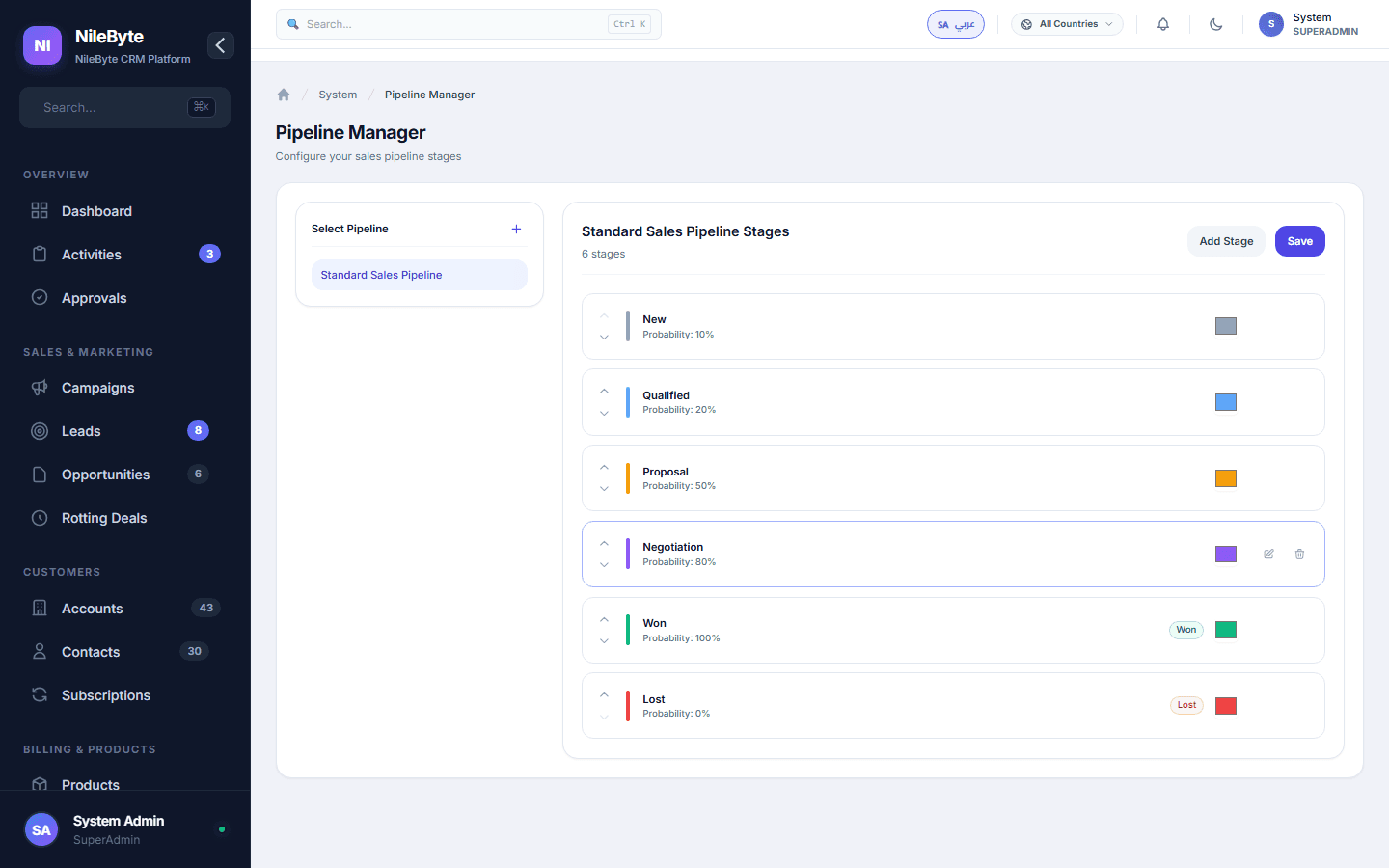
Pipeline Management: See Every Deal, Move Every Stage
The Sales Pipeline: Your Revenue Map
A pipeline is more than a list of deals — it is a map of how revenue flows through your business. Which stage is the bottleneck? Where do deals stall? Which reps move deals fastest? Pipeline management answers these questions.
Visual Kanban Pipelines
NileByte CRM presents every deal as a card on a kanban board. Drag deals between stages — from Initial Contact to Negotiation to Closed Won:
Multiple Pipelines for Different Businesses
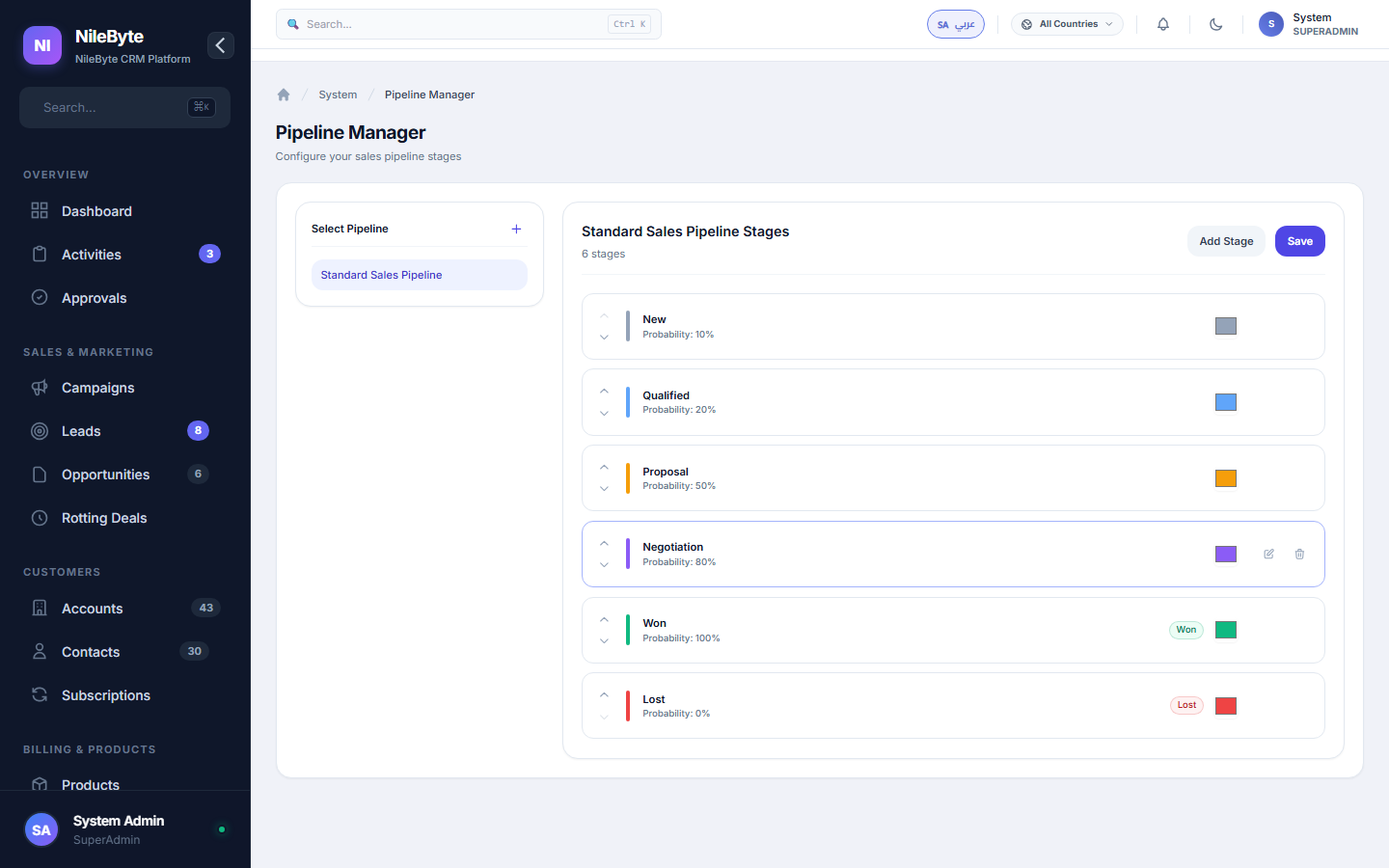
Different products sell differently. Create separate pipelines — new business, renewals, upsells, projects — each with its own stages and rules.
Stage Automation
- Automatic stage transitions when criteria are met
- Stage time tracking — how long does each deal sit in each stage?
- Weighted value per stage for accurate forecasting
- Stage-based reminders to keep deals moving
Deal Ownership and Team Views
Every card shows its owner, value, close date, and last activity. Managers filter by rep, by stage, by value — and see the whole board or a single territory.
Pipeline Analytics
- Win rate by stage and by rep
- Average deal size and sales cycle length
- Forecast value: weighted and unweighted
- Stuck deals flagged automatically
With NileByte CRM, the pipeline stops being a private notebook and becomes the team's shared operating picture.
Author at NileByte — sharing insights on software and digital transformation.
Related Articles
Cloud or On-Premise: Choose What Fits Your Business
NileByte CRM offers cloud and on-premise deployment — the same full system, with options for every business.
Why Businesses Choose NileByte CRM: The Numbers Speak
Faster follow-ups, complete customer history, accurate forecasts, and real reporting — the reasons companies pick NileByte CRM.
CRM Implementation Guide: A Proven Path to Success
A practical plan for implementing NileByte CRM: data migration, team setup, training, and launch — in weeks, not months.