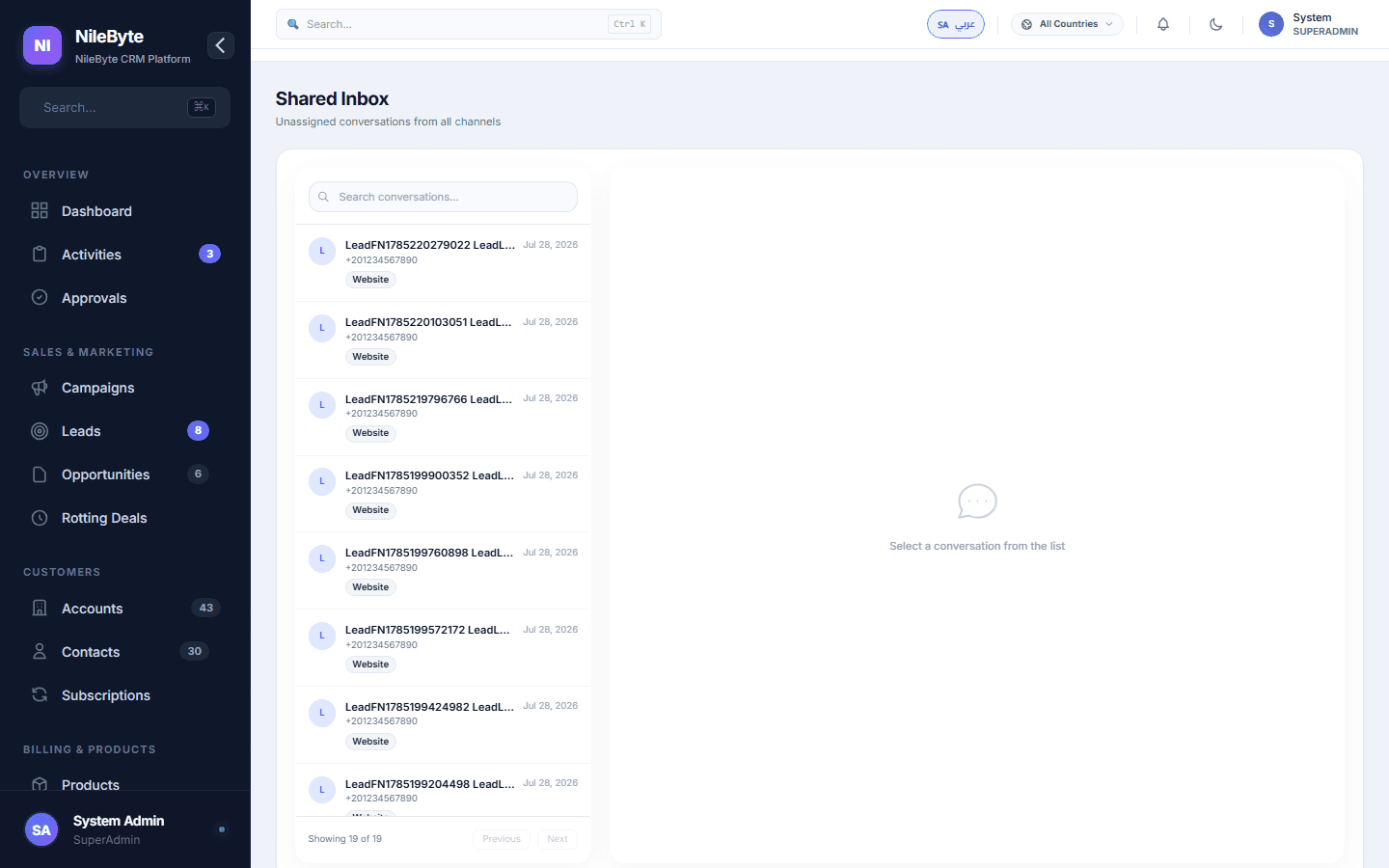
The Shared-Inbox Problem
info@yourcompany.com. Who answers it today? In most teams, the answer is a shrug. Emails sit unread, customers follow up twice, and whoever happens to open the box first gets the job with zero context.
The NileByte CRM Shared Inbox
Your team mailboxes live inside the CRM, as a shared workspace with rules:
- Assignment — every email gets an owner, or auto-routes by topic
- Replies from the inbox — with templates and signature
- Ticket conversion — one click turns an email into a support ticket
- Contact linking — every conversation attaches to its contact record
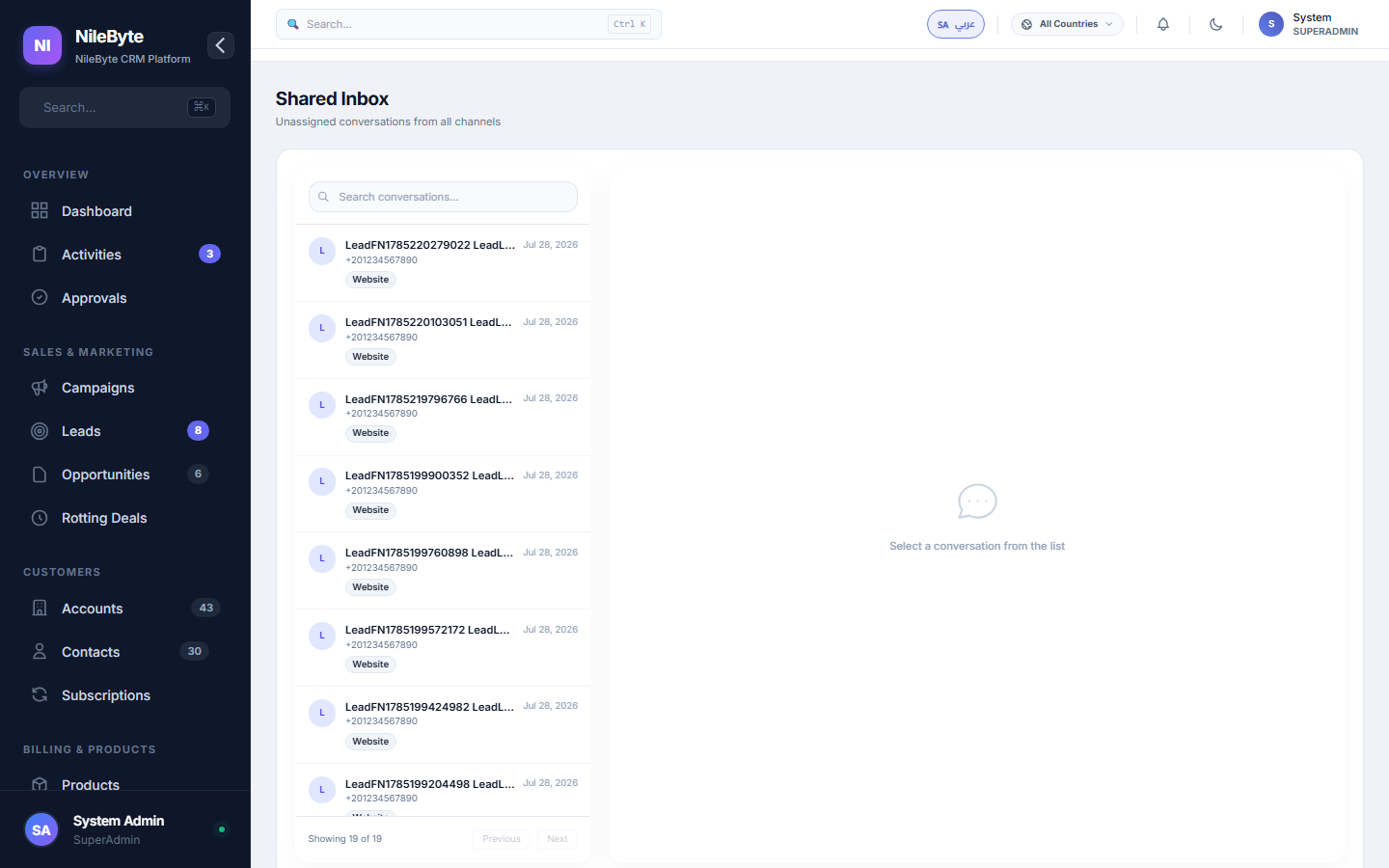
No More "Did You See That Email?"
Everything is visible: who answered what, what is still waiting, and what was missed. Managers see the queue; teammates see the work.
Email History as Relationship History
Because messages attach to contacts, the salesperson preparing a call sees the entire email thread in one scroll — quotes sent, promises made, timelines agreed.
Productivity Features
- Labels and folders for triage
- Search across the whole mailbox instantly
- Read receipts and open tracking
- Shared drafts and internal notes
With NileByte CRM, "who answers the inbox?" stops being a question. The system answers it.
Author at NileByte — sharing insights on software and digital transformation.
Related Articles
Cloud or On-Premise: Choose What Fits Your Business
NileByte CRM offers cloud and on-premise deployment — the same full system, with options for every business.
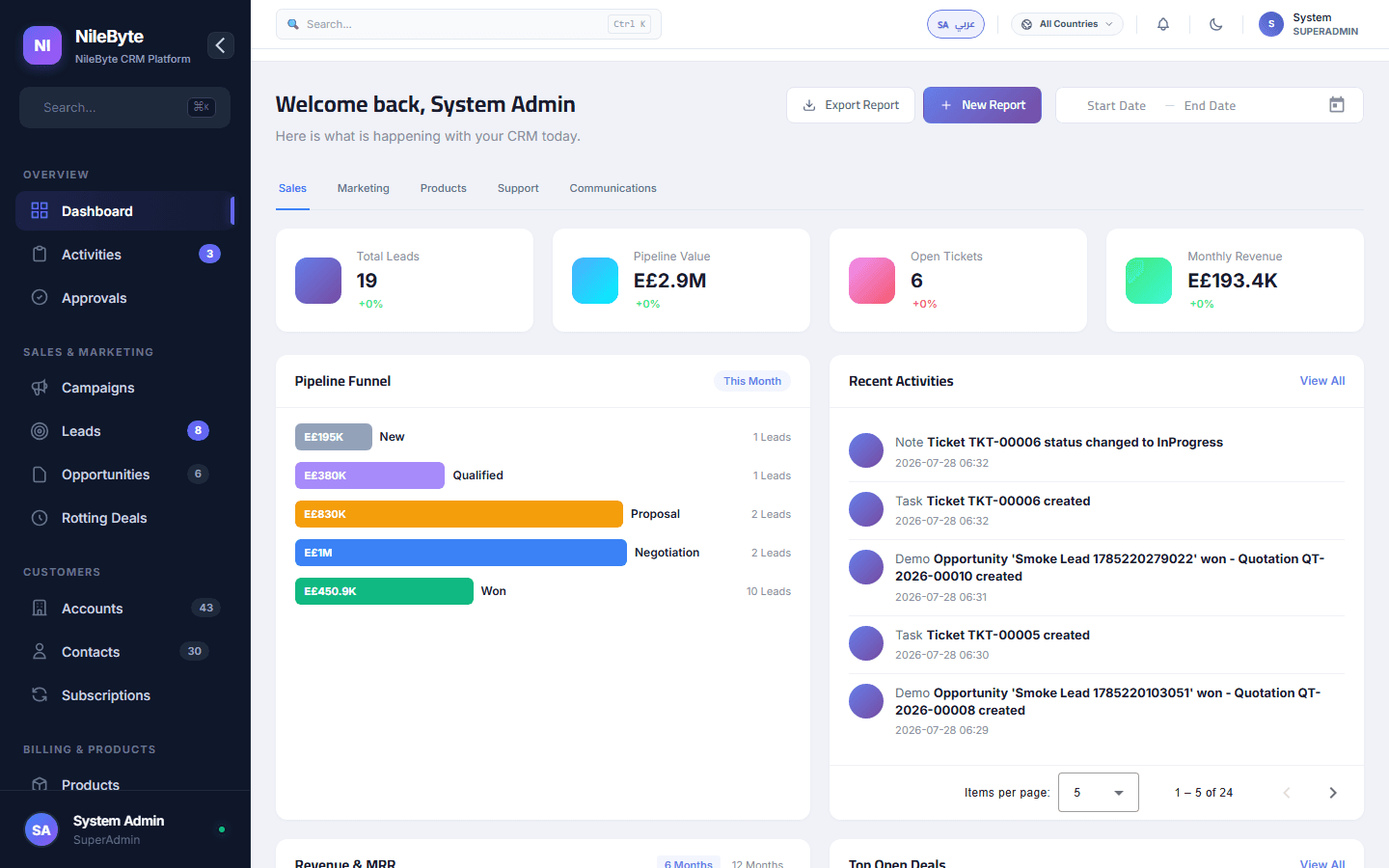
Why Businesses Choose NileByte CRM: The Numbers Speak
Faster follow-ups, complete customer history, accurate forecasts, and real reporting — the reasons companies pick NileByte CRM.
CRM Implementation Guide: A Proven Path to Success
A practical plan for implementing NileByte CRM: data migration, team setup, training, and launch — in weeks, not months.