Team Collaboration and Role Permissions: Everyone, Their View
A CRM Is a Team Sport
Sales, support, finance, and marketing all touch the same customer. The system must let each team work in its own way — while sharing one truth. That balance is what role permissions are for.
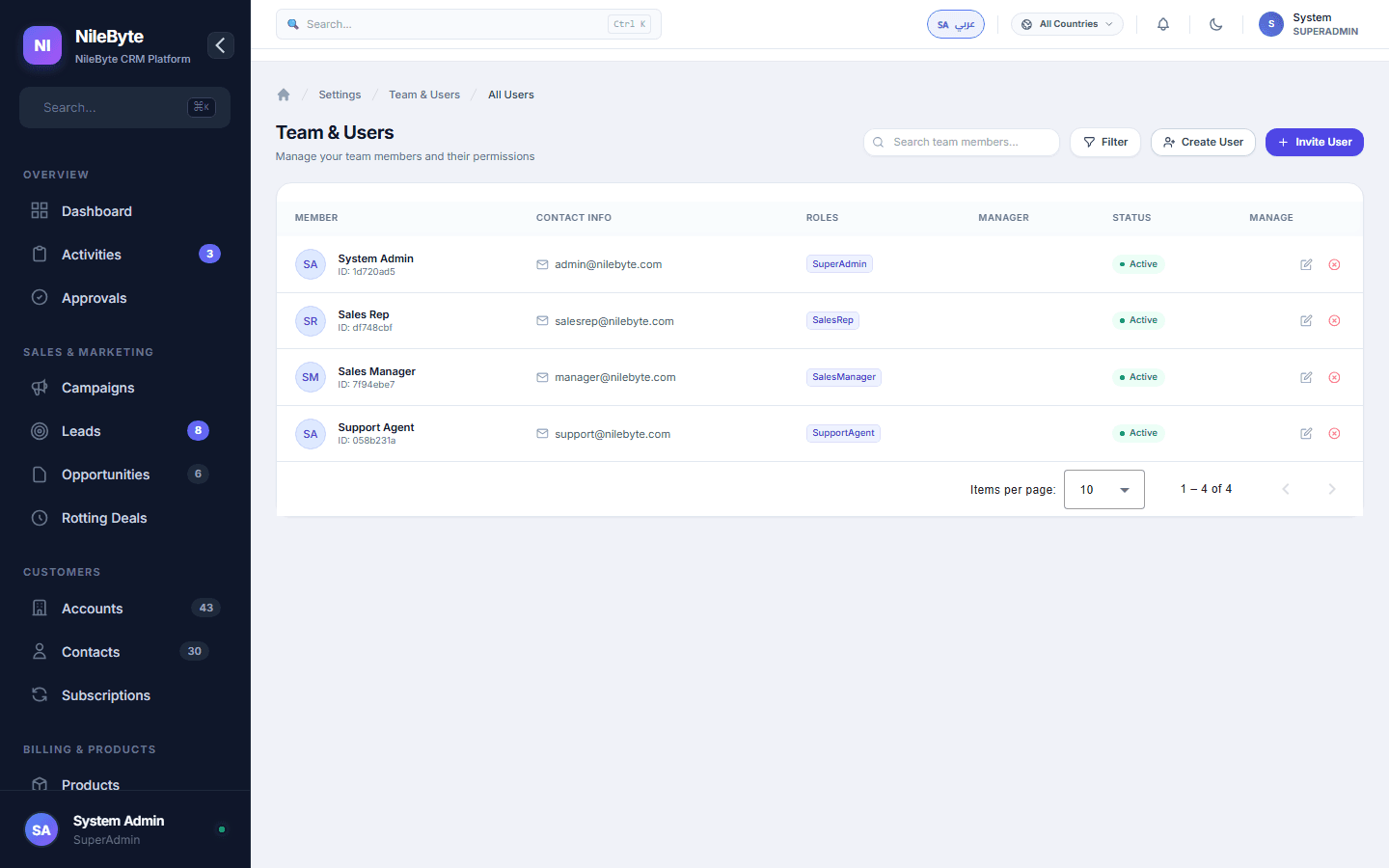
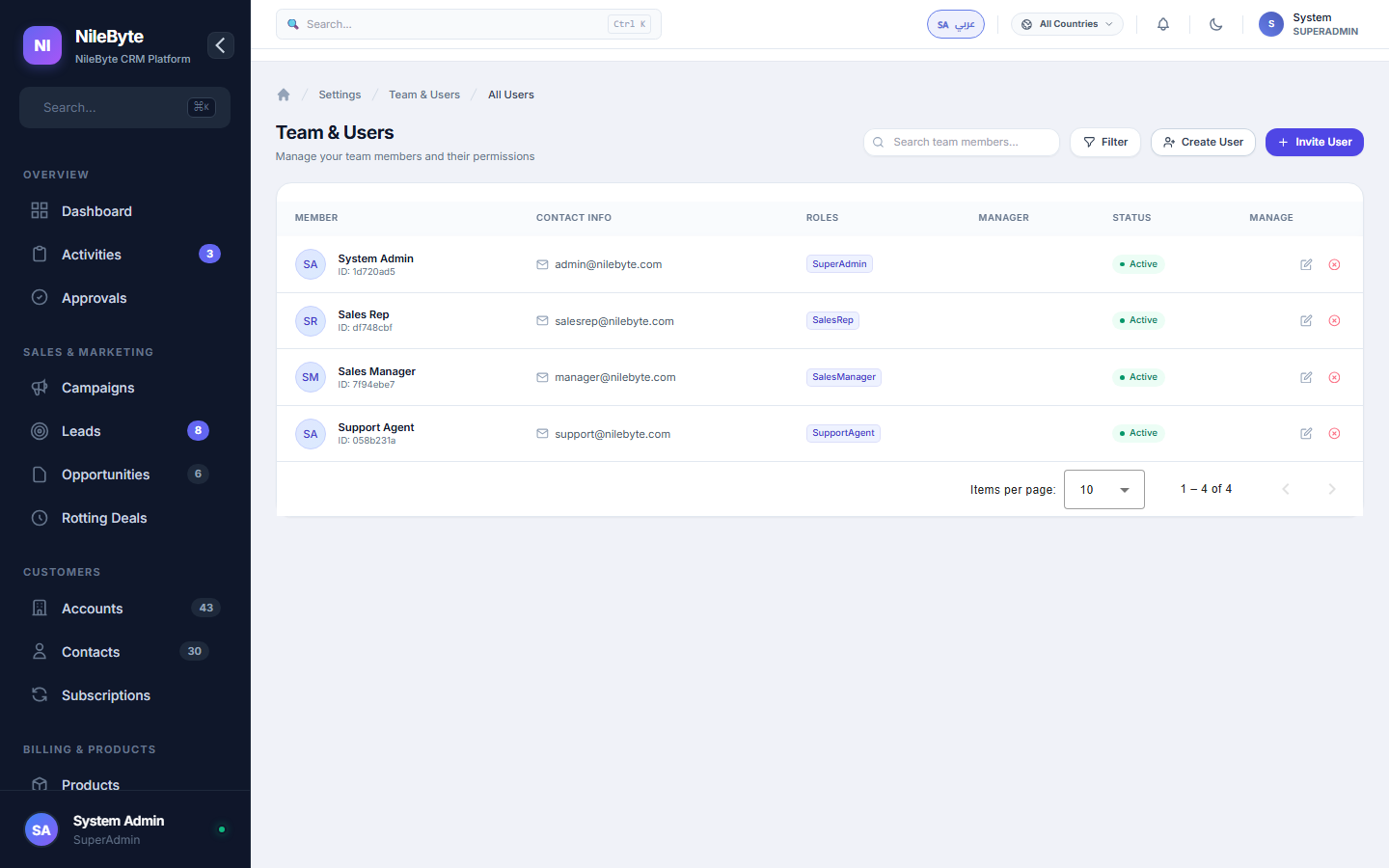
Users and Teams in NileByte CRM
Roles That Match Reality
Built-in roles for common functions — sales rep, sales manager, support agent, finance, admin — plus custom roles you define:
- View-only access for executives and auditors
- Full editing for owners, limited for collaborators
- Finance-only access to billing data
- Admin control of settings and users
Data-Level Security
Permissions apply to data, not just screens: some roles see only their own records, managers see the team, admins see everything. Pipeline confidentiality is enforced by the system.
Collaboration Features
- Shared records with multiple owners and watchers
- Mentions and comments on deals and tickets
- Internal notes separated from customer-facing content
- Activity feeds that keep everyone current
Audit-Ready Access
Every login and every significant action is logged. Who changed what, when — always answerable, always available.
Onboarding New Team Members
Create users, assign roles, and hand over records in minutes. When someone leaves, ownership transfers cleanly — the company's customer knowledge stays with the company.
With NileByte CRM, teams collaborate freely within boundaries that the system enforces.
Author at NileByte — sharing insights on software and digital transformation.
Related Articles
Cloud or On-Premise: Choose What Fits Your Business
NileByte CRM offers cloud and on-premise deployment — the same full system, with options for every business.
Why Businesses Choose NileByte CRM: The Numbers Speak
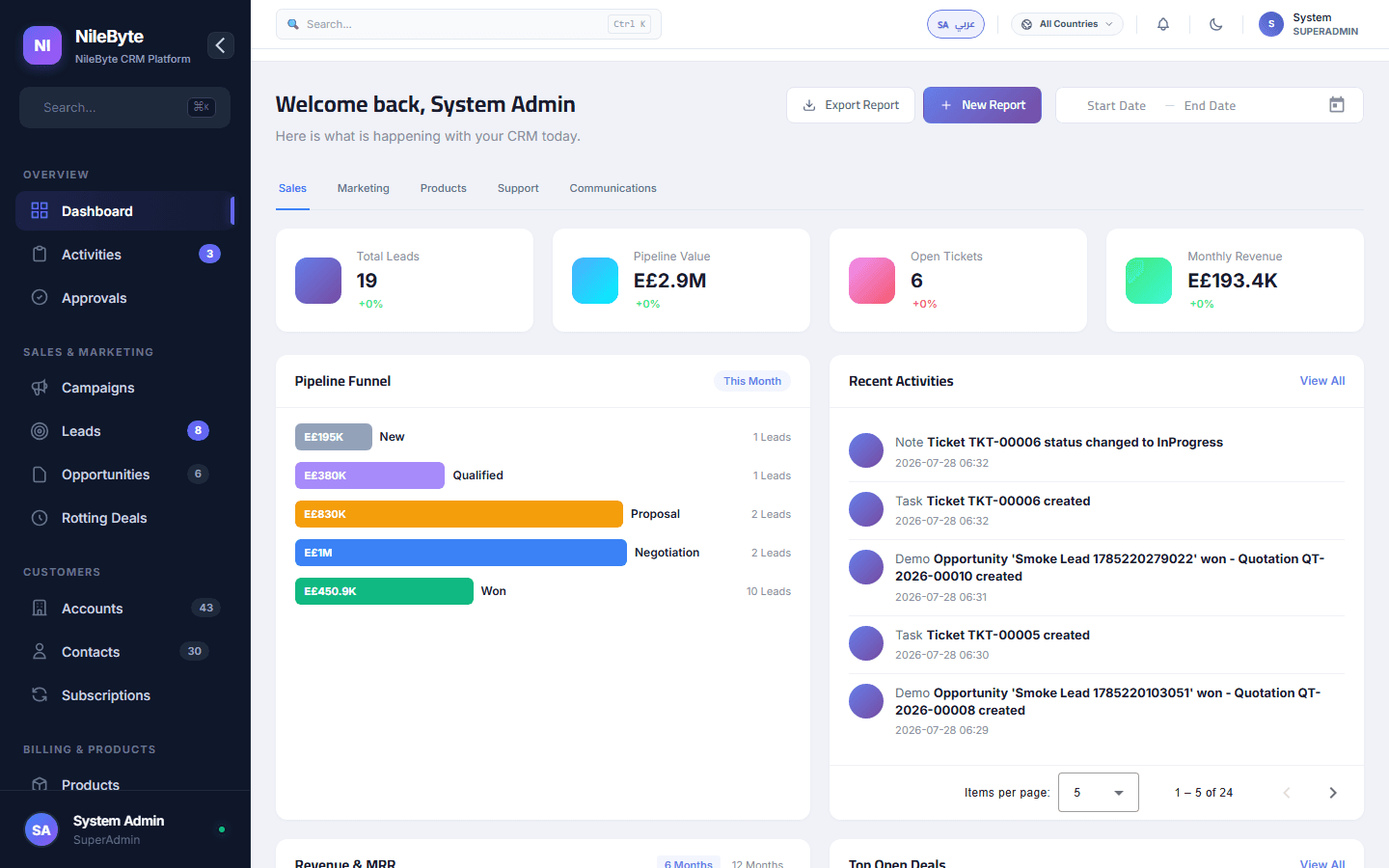
Faster follow-ups, complete customer history, accurate forecasts, and real reporting — the reasons companies pick NileByte CRM.
CRM Implementation Guide: A Proven Path to Success
A practical plan for implementing NileByte CRM: data migration, team setup, training, and launch — in weeks, not months.