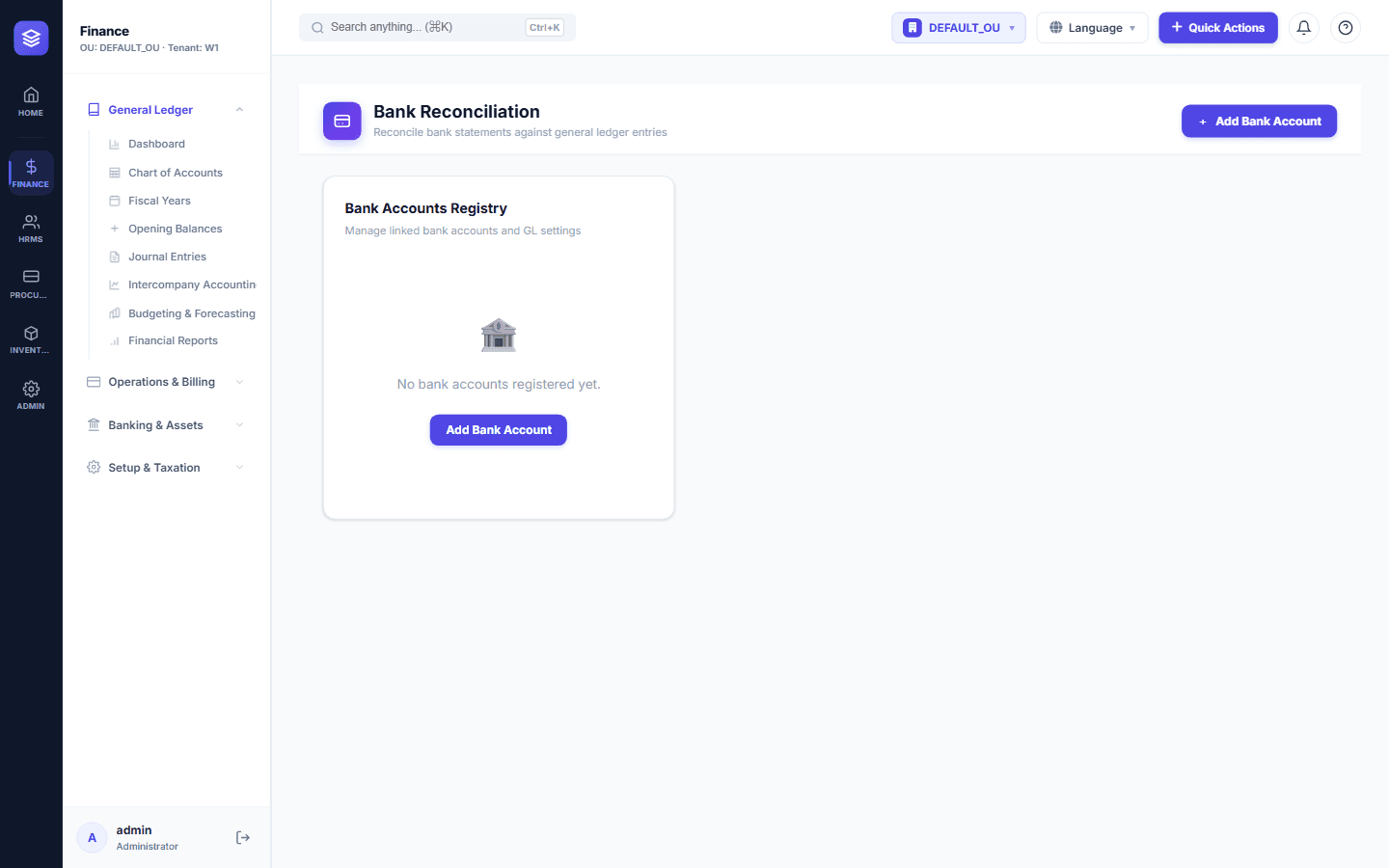
The Month-End Nightmare
Every month, finance teams across the country print bank statements, open the ledger, and manually tick off hundreds of transactions. It is tedious, error-prone, and burns hours that should be spent on analysis. NileByte ERP changes that.
How Reconciliation Works
1. Enter or Import the Statement
Enter bank statement lines manually or import them from your bank's file export — no paper shuffling required.
2. Automatic Matching
NileByte ERP matches bank transactions to ledger entries automatically using amount, date, and reference criteria:
- Exact matches — same amount and date are matched and cleared instantly
- Fuzzy matches — near matches are suggested for review
- Manual matching — split and multi-transaction matches supported
3. Clear the Remaining Differences
What remains is what matters: checks in transit, deposits not yet cleared, bank charges, and errors. Each difference is investigated and cleared with a single click.
4. Close the Period
When the reconciliation balances, the period closes with a complete record — who reconciled, when, and the exact items that made up the difference.
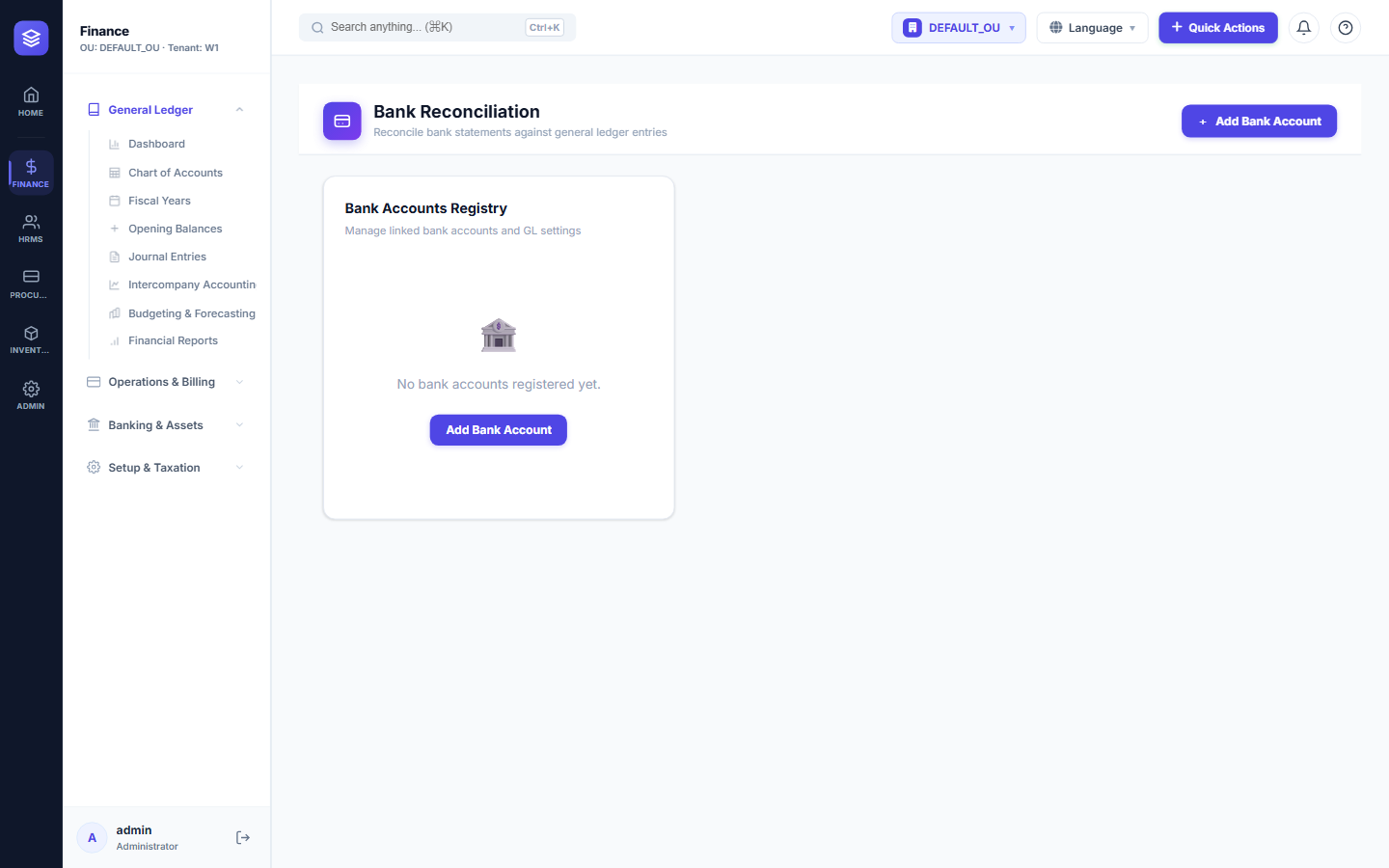
Why It Matters
- Accuracy — catch unauthorized or erroneous transactions early
- Speed — reconcile in minutes, not days
- Audit-ready — every reconciliation is documented
- Cash visibility — know your true bank position at any moment
Bank reconciliation with NileByte ERP turns a dreaded month-end chore into a quick, reliable routine.
Author at NileByte — sharing insights on software and digital transformation.
Related Articles
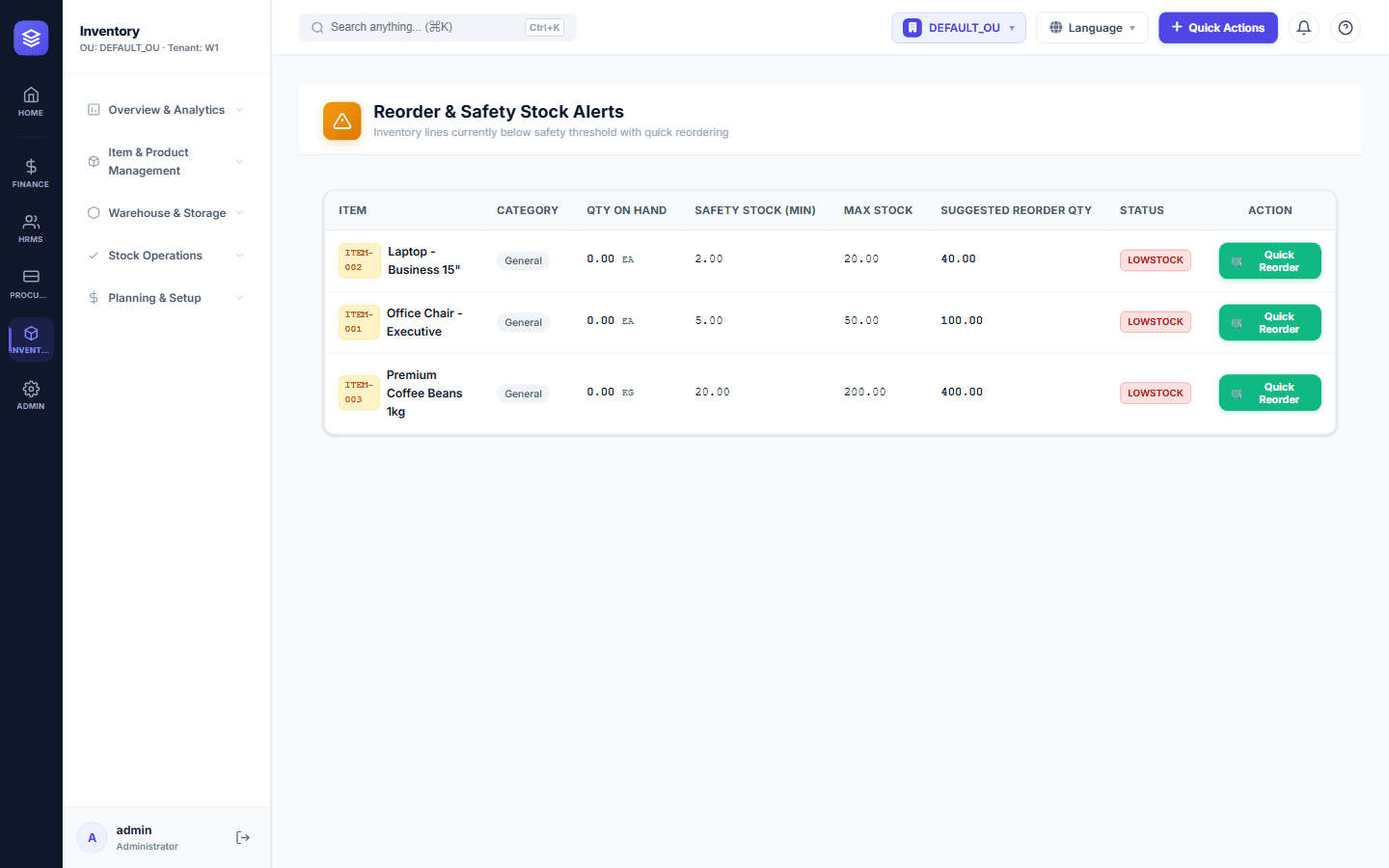
Inventory Control: Never Run Out of Stock Again
NileByte ERP's inventory module gives you complete control over stock — from receiving to issuance — with real-time balances and cost tracking.
Cloud-Ready and On-Premise: Deploy Your Way
Run NileByte ERP in the cloud, on your own servers, or hybrid — your data, your rules, your deployment.
Why Businesses Choose NileByte ERP
From family businesses to growing groups, here is why companies across Egypt and the region choose NileByte ERP.