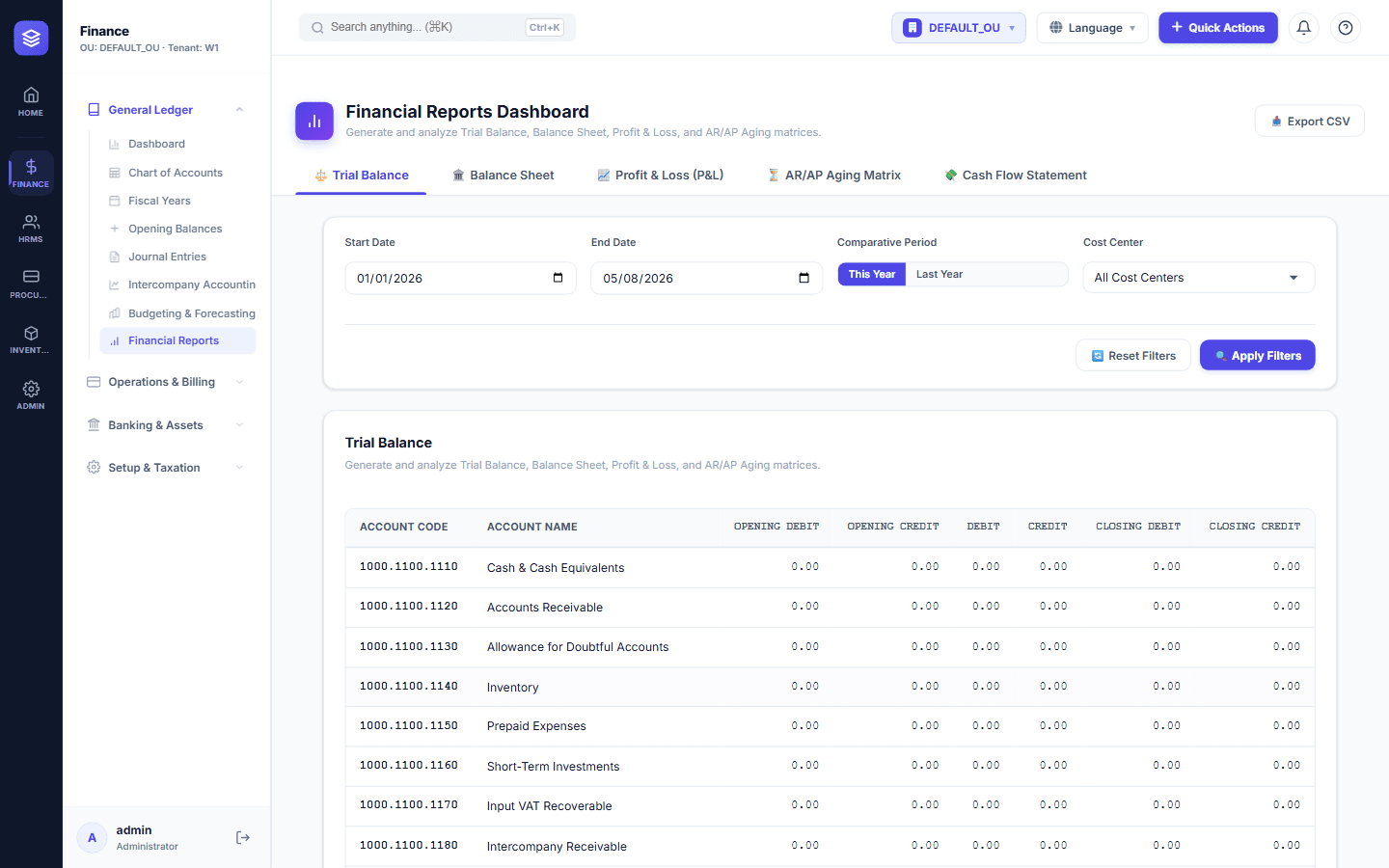
Financial Reports: From Trial Balance to Income Statement
Reports That Tell the Truth
Financial statements are how your business speaks to owners, banks, auditors, and tax authorities. They must be accurate, timely, and understandable. NileByte ERP generates them automatically from the transactions you already recorded.
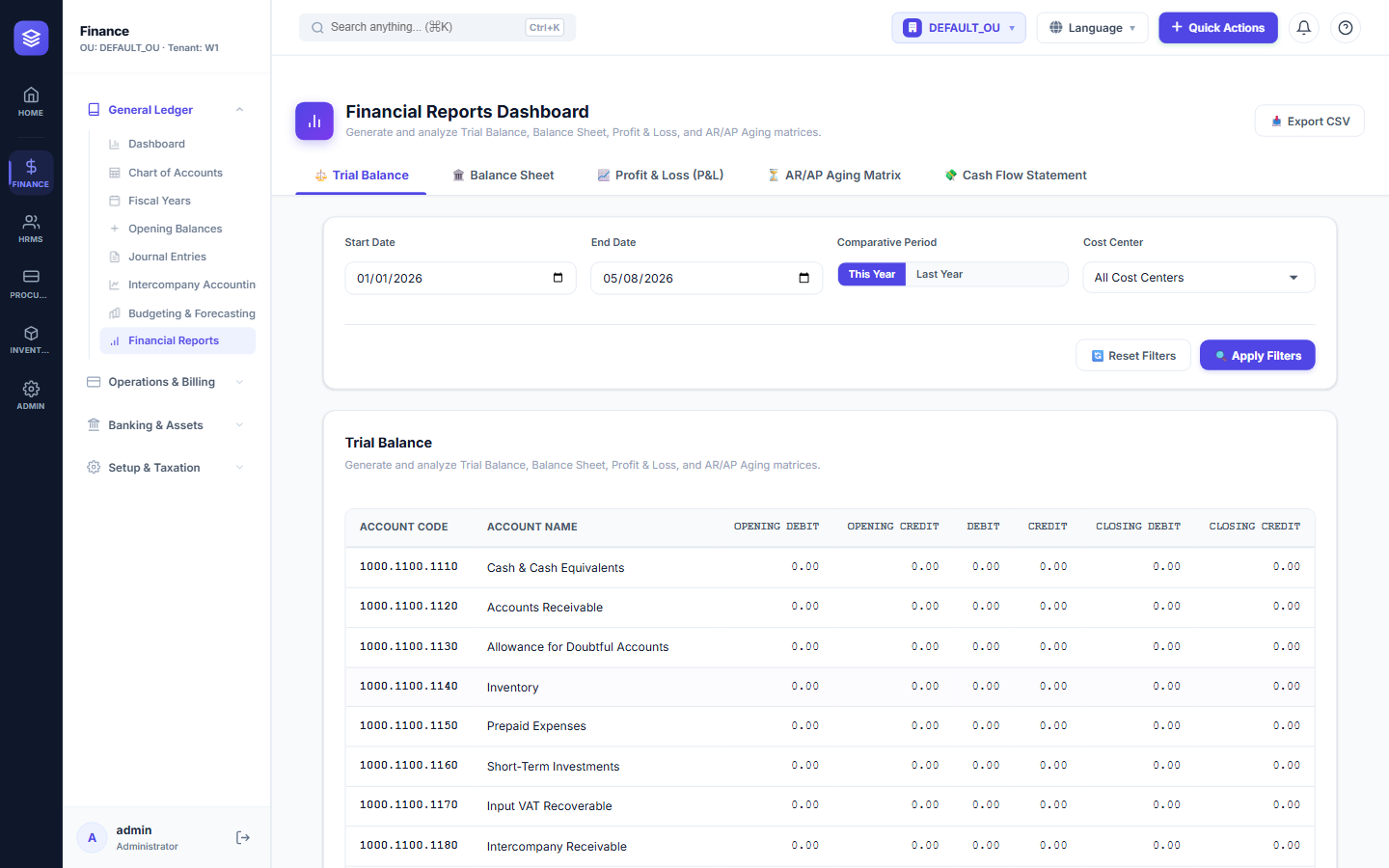
Core Reports
Trial Balance
Every account with its debits and credits, opening balances, and closing balances — drill down to any voucher in one click.
General Ledger
The complete journal of every transaction, filterable by account, period, cost center, and user.
Income Statement (P&L)
Revenue, cost of sales, expenses, and net profit — for any period, with budget comparison and period-over-period analysis.
Balance Sheet
Assets, liabilities, and equity in a structured format that follows your chart of accounts hierarchy.
Cash Flow Statement
Operating, investing, and financing activities — understand where cash came from and where it went.
Report Features
- Bilingual output — every report in English or Arabic with proper RTL formatting
- Period selection — daily, monthly, quarterly, or custom ranges
- Comparative columns — this period vs last period vs budget
- Export options — PDF, Excel, and CSV for every report
- Drill-down — from any report line to the underlying transactions
Audit-Ready Financial Close
With automatic period closing, opening balances carried forward, and a complete audit trail, the financial close becomes a routine — not an event. Reports are available the moment the period closes, in the language your stakeholders prefer.
With NileByte ERP, your financial statements are always accurate, always on time, and always understandable.
Author at NileByte — sharing insights on software and digital transformation.
Related Articles
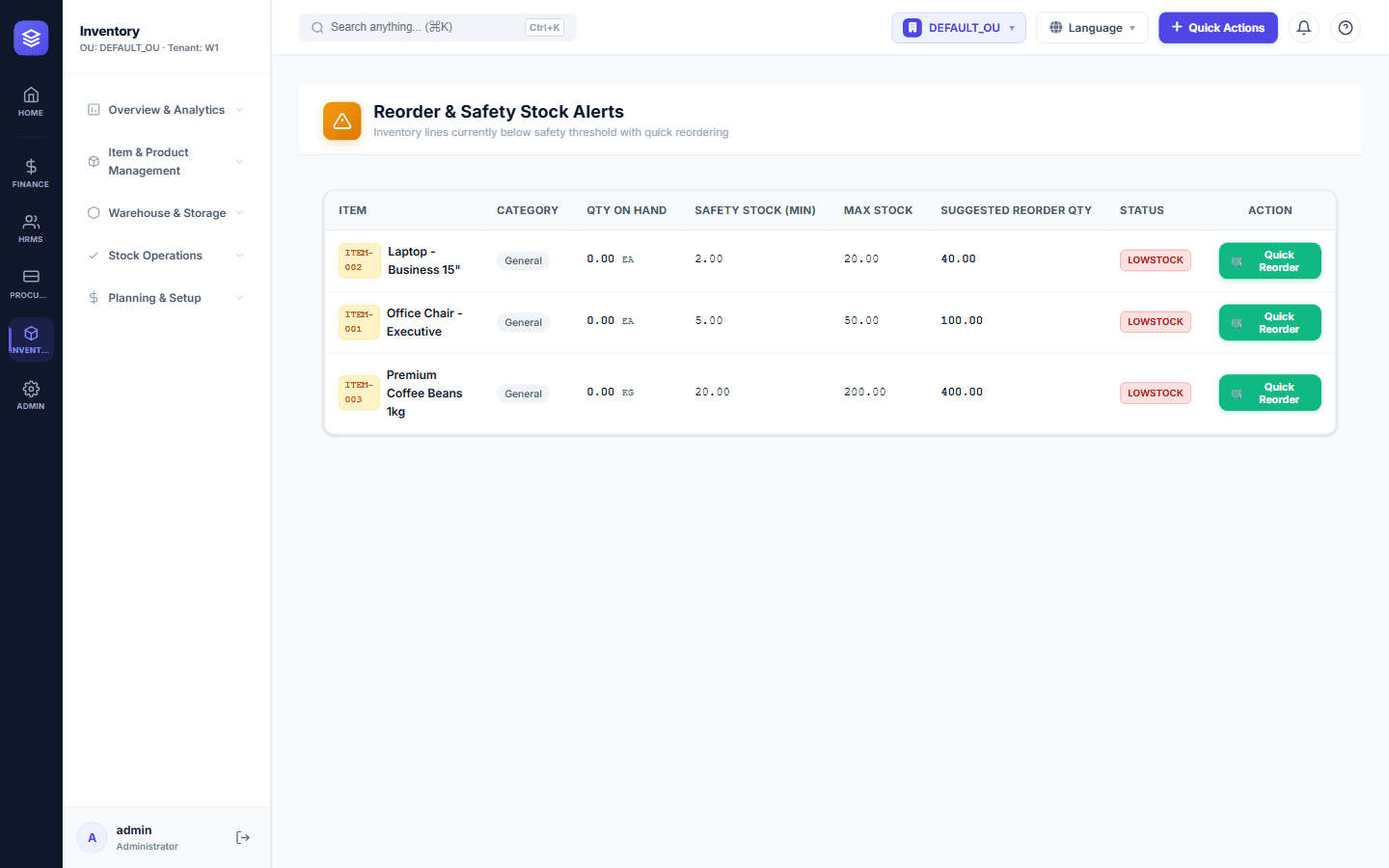
Inventory Control: Never Run Out of Stock Again
NileByte ERP's inventory module gives you complete control over stock — from receiving to issuance — with real-time balances and cost tracking.
Cloud-Ready and On-Premise: Deploy Your Way
Run NileByte ERP in the cloud, on your own servers, or hybrid — your data, your rules, your deployment.
Why Businesses Choose NileByte ERP
From family businesses to growing groups, here is why companies across Egypt and the region choose NileByte ERP.