The Landlord Platform: Managing a Group of Schools
Beyond One School: The Platform View
Education groups and platform operators need more than school features — they need control across schools: who is using the system, which subscriptions are active, and what is happening across the platform.
The Landlord Console in NileByte LMS
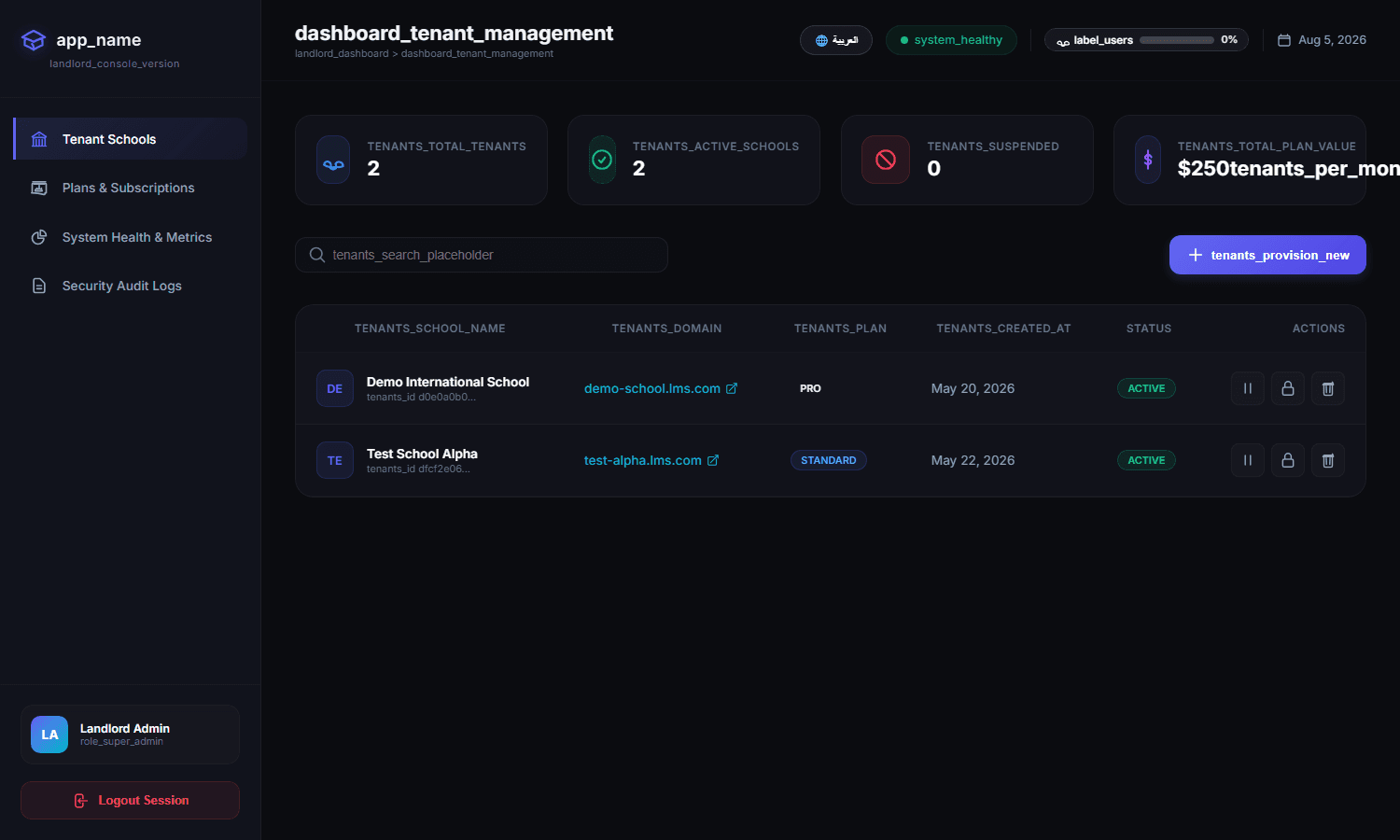
Tenant Management
See every school in the system, its status, and its plan:
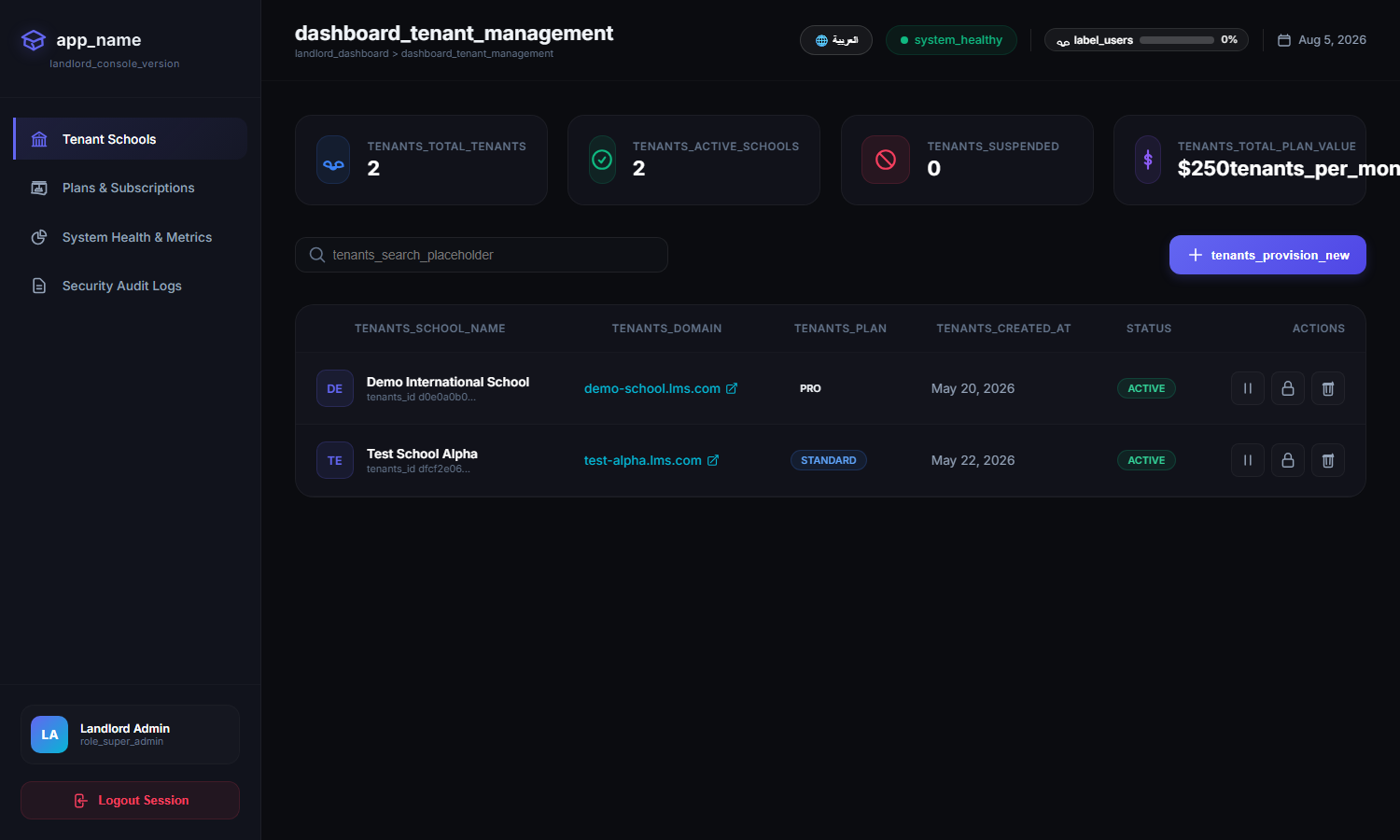
- Add new schools and provision them instantly
- Activate, suspend, or manage each school
- Track usage and data volume per school
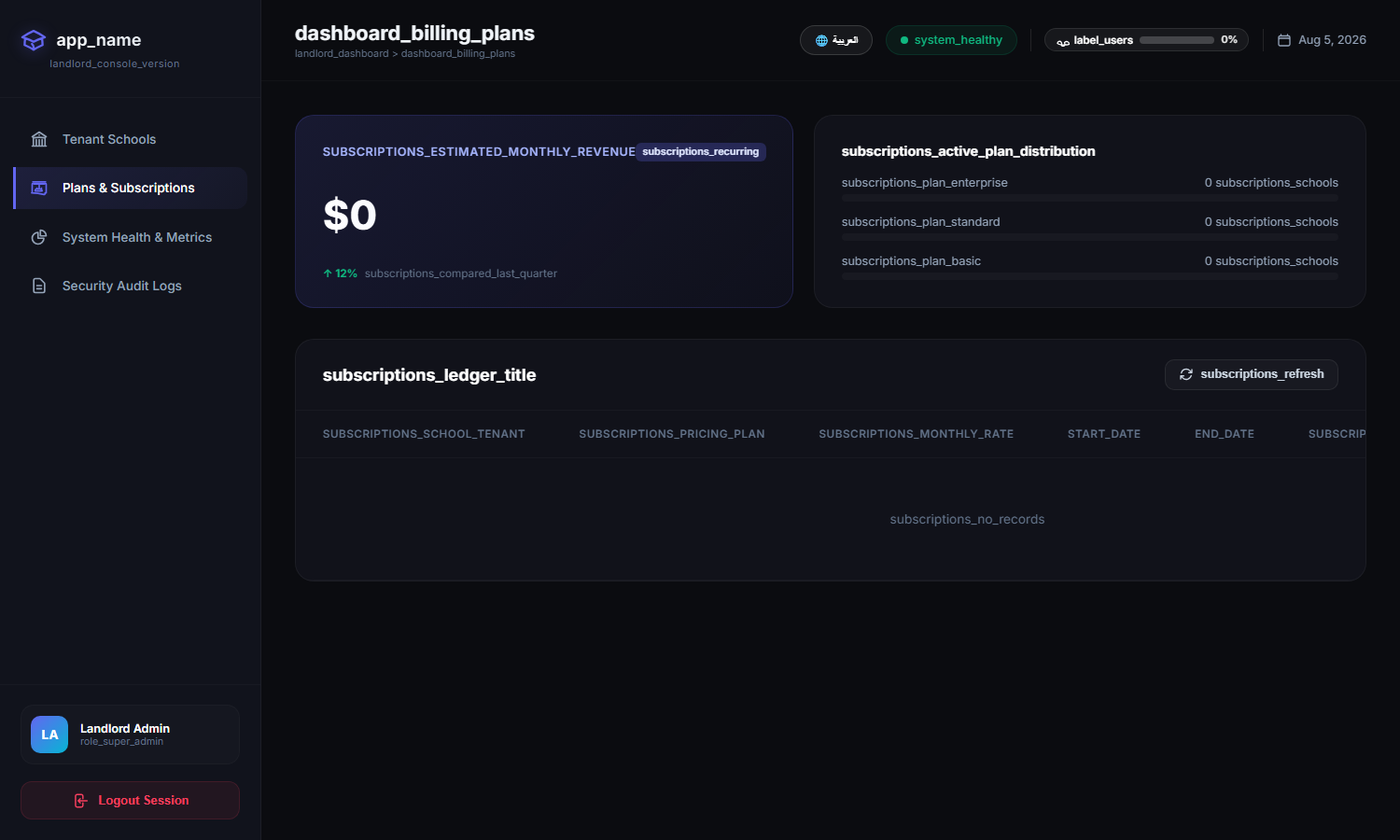
Subscriptions and Plans
Manage commercial relationships with each school:
- Plans and pricing per school
- Subscription status and renewal dates
- Billing overview across the platform
Platform Monitoring
Keep the system healthy and fast for every school:
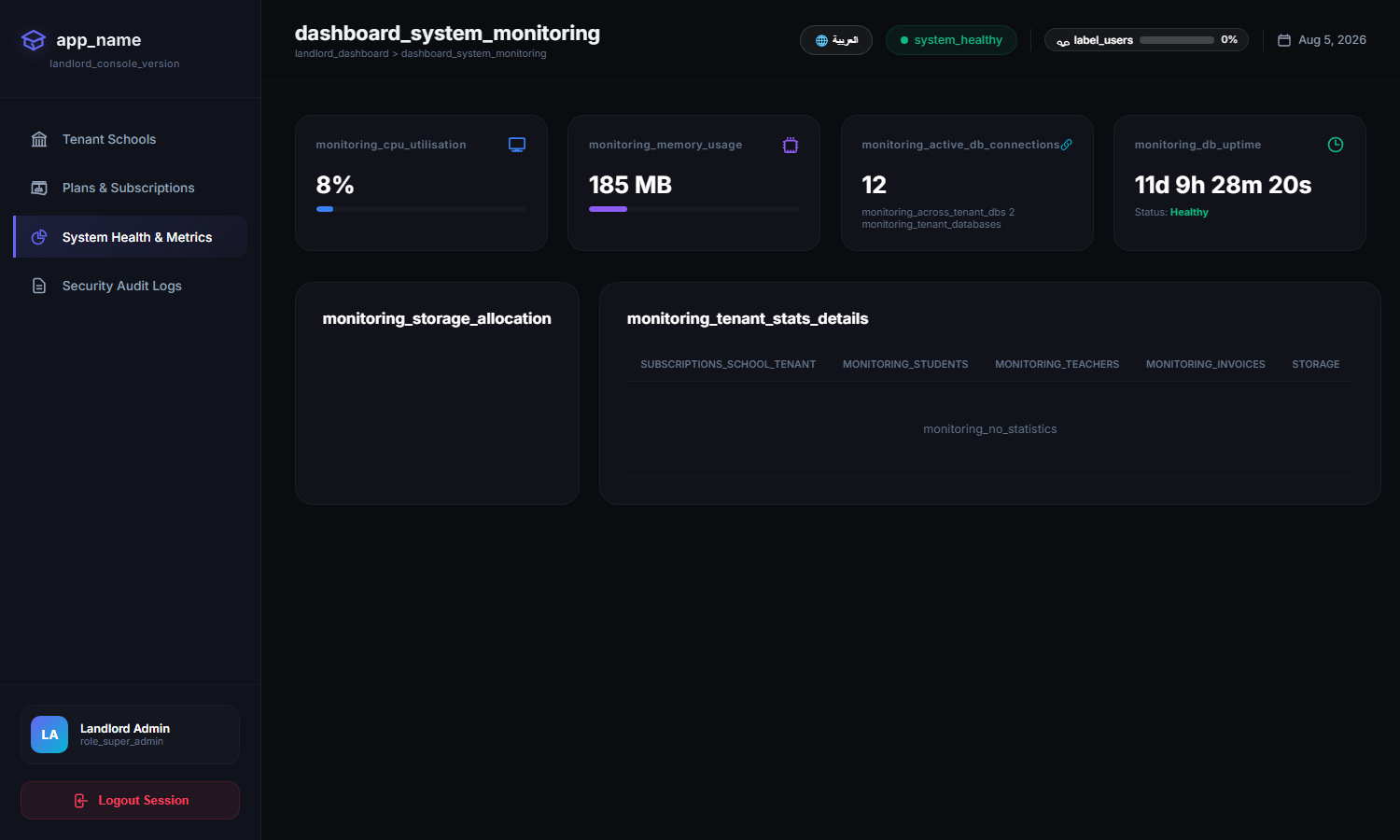
- API health and uptime indicators
- Per-tenant activity and load
- Early warning when something needs attention
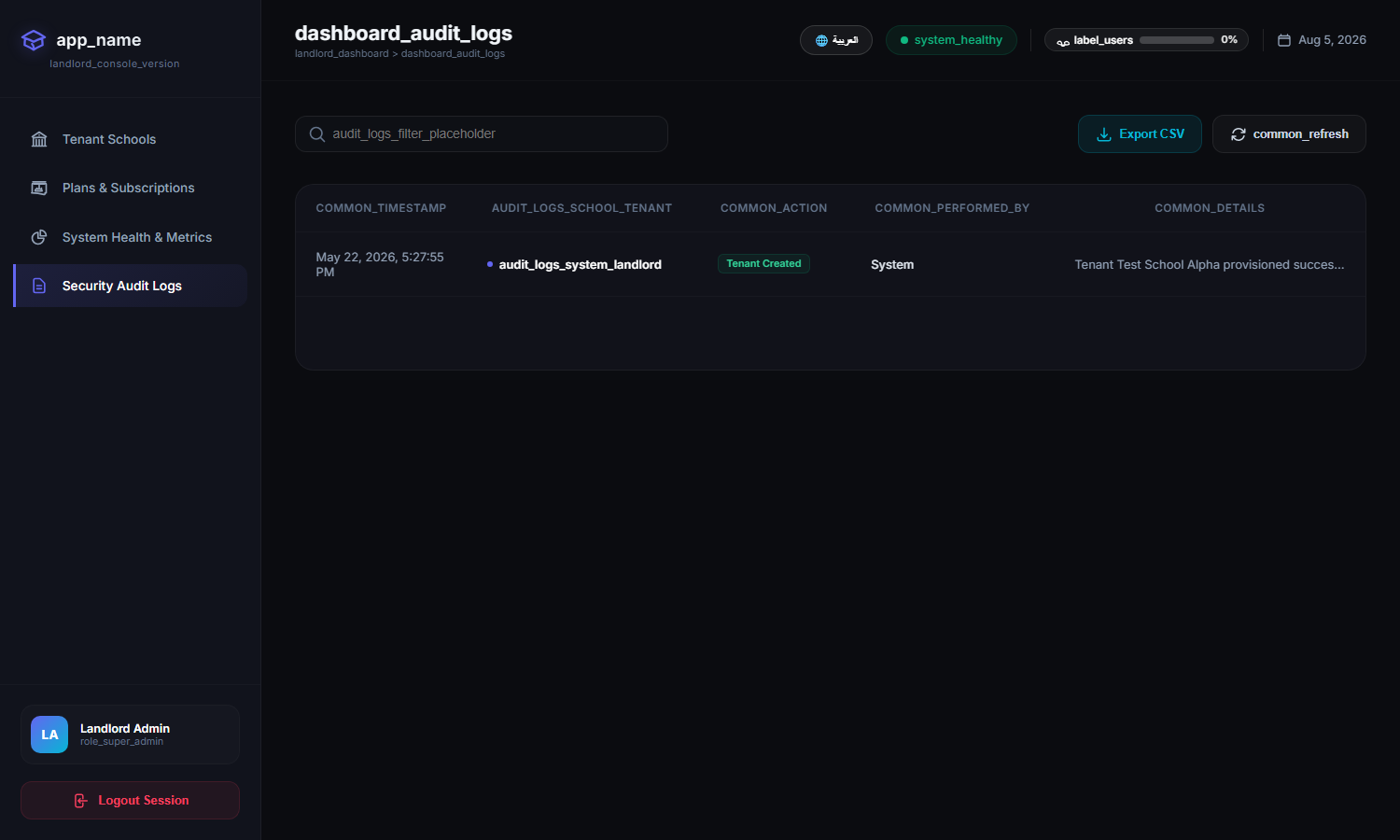
Audit Logs
Full traceability across the platform — who did what, where, and when:
Scale With Confidence
Add a school in minutes, keep every school isolated, and manage the whole group from one console. That is what the landlord platform is for.
Author at NileByte — sharing insights on software and digital transformation.
Related Articles
Cloud or On-Premise: School Data, Your Choice
NileByte LMS offers cloud and on-premise deployment — the same full platform, with options for every school or group.
Why Schools Choose NileByte LMS: The Reasons Are Measurable
Time saved, transparency gained, and education improved — the real reasons schools choose NileByte LMS.
LMS Implementation Guide: From Paper to Platform, Smoothly
A practical plan for implementing NileByte LMS: data migration, staff training, and launch — without disrupting the school year.