Users, Roles, and Permissions: The Right View for Everyone
One System, Many Audiences
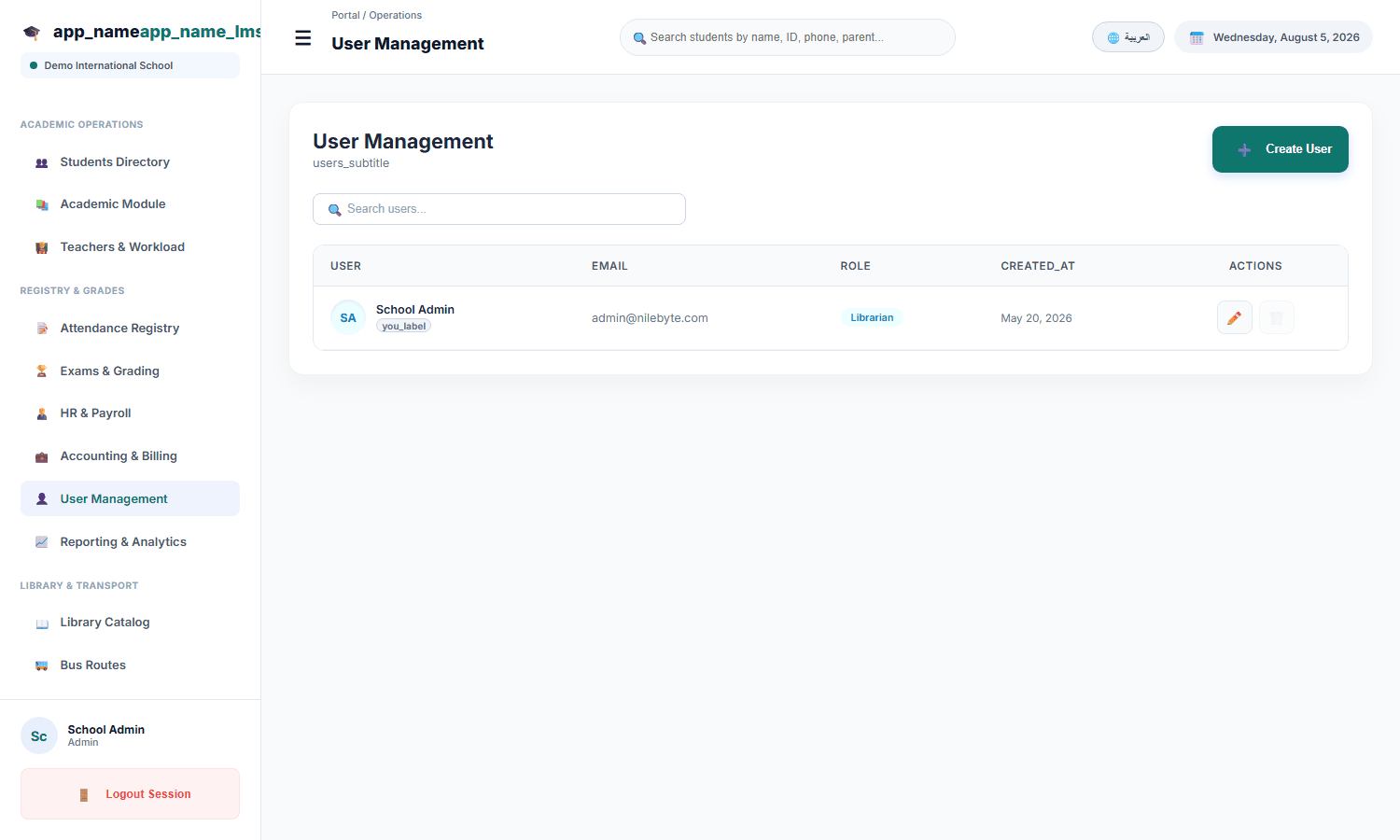
A school system serves very different people: principals who need everything, teachers who need their classes, parents who need their children, and students who need their own view. Each must see exactly what they need — nothing more.
Roles in NileByte LMS
Built-in Roles That Match School Reality
- Super Admin / Landlord — platform-wide control across schools
- School Admin — full control of one school
- Teacher — classes, attendance, and grades they own
- Parent — their children's records and communication
- Student — personal view of timetable, grades, and homework
Custom Roles When Needed
Head of department, accountant, librarian, HR — create roles with precisely the permissions each function requires.
Permissions That Protect
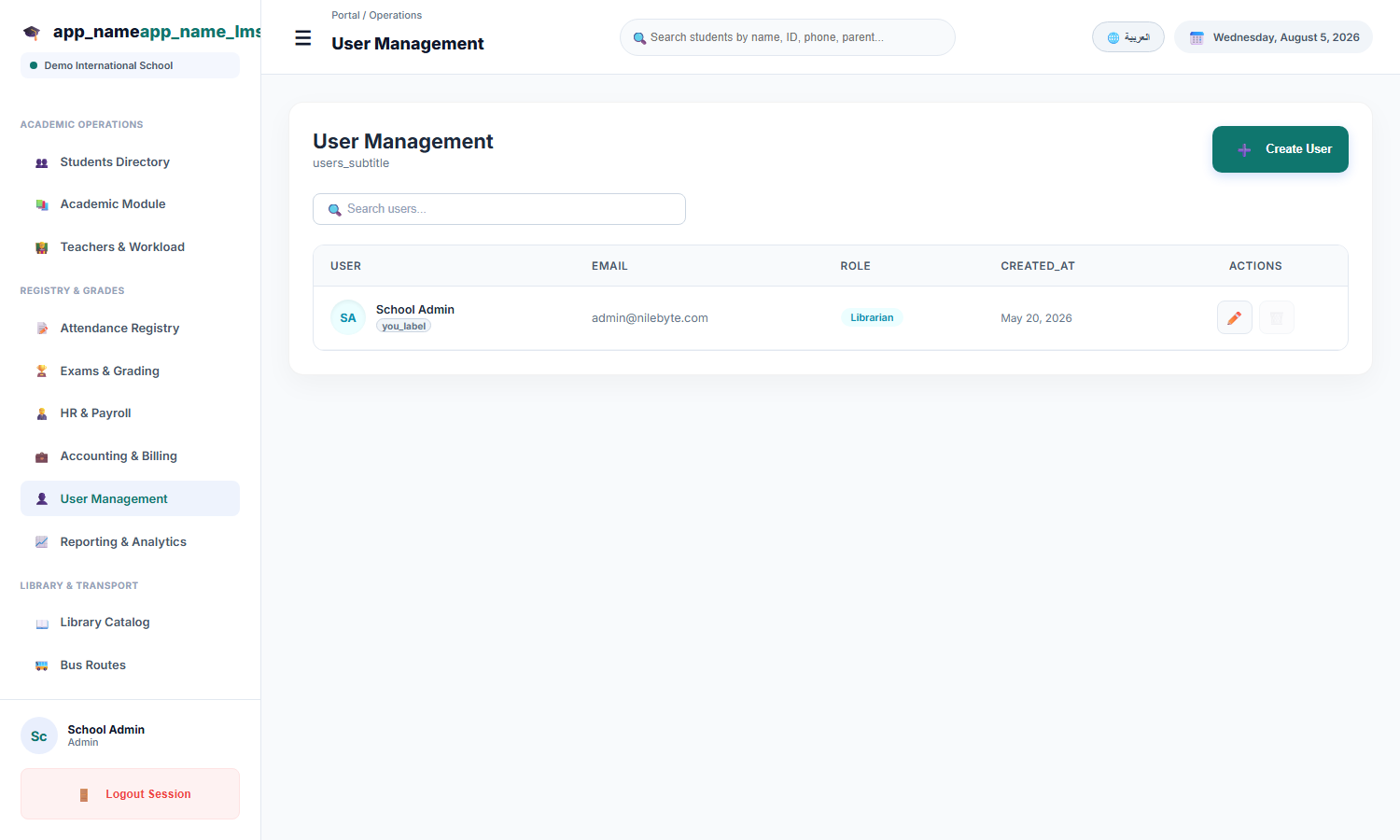
- Data-level access — teachers see only their classes
- Action-level permissions — who can edit grades or delete records
- Parent accounts limited to their own children
- Full audit of logins and changes
Simple User Management
Create users in bulk, assign roles, and manage accounts as staff join and leave — with the school's data always protected.
With NileByte LMS, every user sees the right view — and nothing they should not.
Author at NileByte — sharing insights on software and digital transformation.
Related Articles
Cloud or On-Premise: School Data, Your Choice
NileByte LMS offers cloud and on-premise deployment — the same full platform, with options for every school or group.
Why Schools Choose NileByte LMS: The Reasons Are Measurable
Time saved, transparency gained, and education improved — the real reasons schools choose NileByte LMS.
LMS Implementation Guide: From Paper to Platform, Smoothly
A practical plan for implementing NileByte LMS: data migration, staff training, and launch — without disrupting the school year.